Update Permissions on a Staff Member’s Profile
To update the special permissions on a staff member’s profile:
-
Go to Main Menu > Staff.
-
Locate and double click on the staff member using the search filters.
-
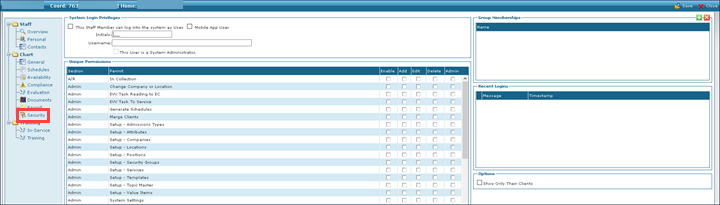
Click Security.
-
Select the check boxes for the permissions to be updated.
-
Click Save.
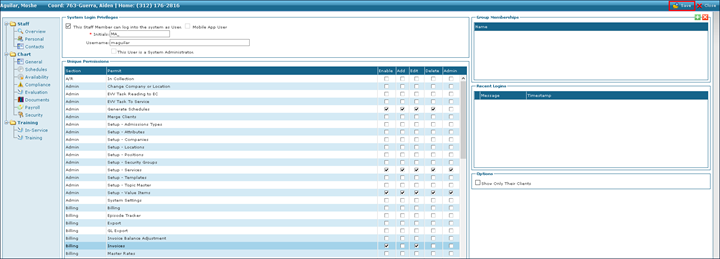
The permissions are added to the staff member’s profile.