Images in Staff Member Profiles

To add a picture such as a badge or identification photo to a staff member’s profile:
-
Go to Main Menu > Staff.
-
Locate and double click on the staff member using the search filters.
-
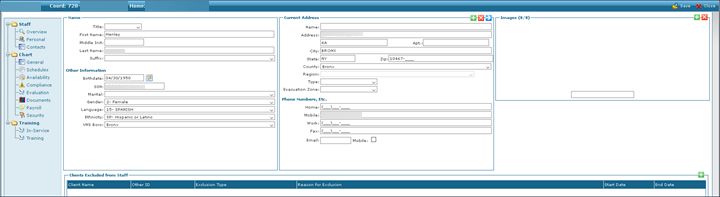
Click Personal.
-
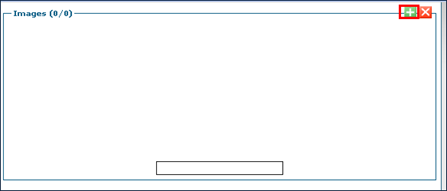
Click the green + button under Images. This opens the Image Upload window.
-
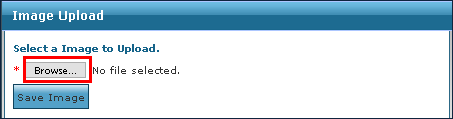
Click Browse to locate the picture to be added.
-
Click Save Image.
The selected picture is added to the staff member’s profile.
To delete an image from a staff member's profile:
-
Go to Main Menu > Staff.
-
Locate and double click on the staff member using the search filters.
-
Click Personal.
-
Click the red X button under Images.
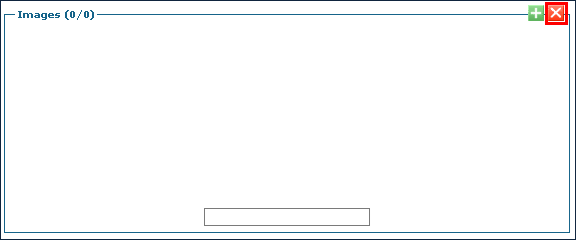
The current image is deleted from the staff member’s profile.