Print a Certificate
Upon completion of a class or course, a physical certificate can be printed for staff members. Certificates are only generated for students marked as attended and having received hours credited.
-
Navigate to the Class Roster screen via Main Menu > Staff > Training > Class Roster.
-
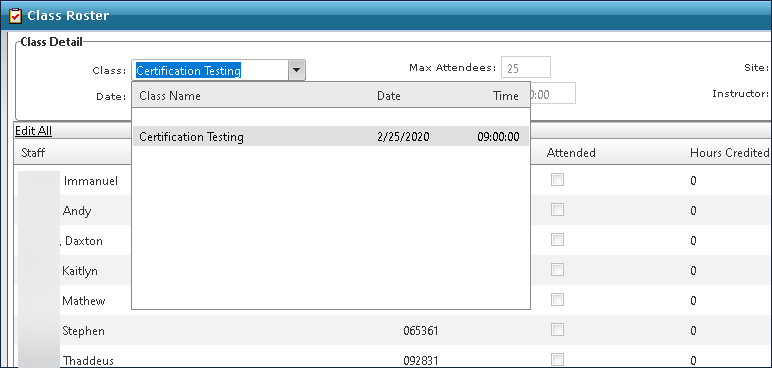
Select the class from the Class dropdown.
-
Confirm all attended staff members.
-
Click Print Certificates.

-
Click Print.
The Certificates are generated as PDFs. From there, they can be saved, downloaded or printed.