Mark Class Attendance
Once the class has been completed, staff members must be marked as attended to receive credit and their certificate.
To mark a staff member as attended:
-
Navigate to the Class Roster screen via Main Menu > Staff > Training > Class Roster.
-
Select the class from the Class dropdown.
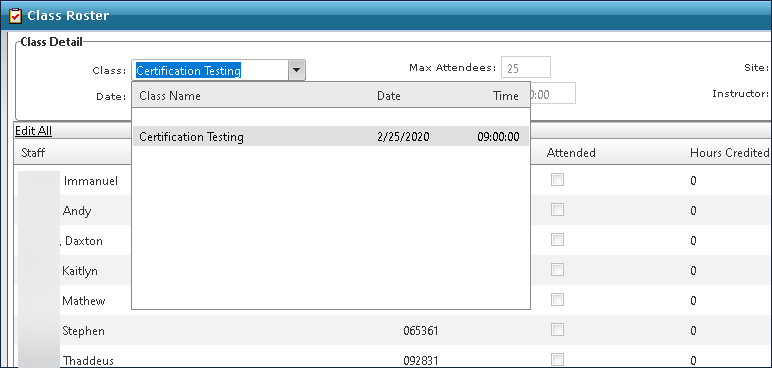
-
Right click on the staff member’s name.
-
Click Mark as Attended.

The attended check box is selected and the staff member receives credit for attending.