Manage Classes

To add a new class:
-
Navigate to the ClassMaster screen via Main Menu > Staff > Training > ClassMaster.
-
Click the + Add button.

-
Enter information in the appropriate fields.
-
Click Save.
To edit a class:
-
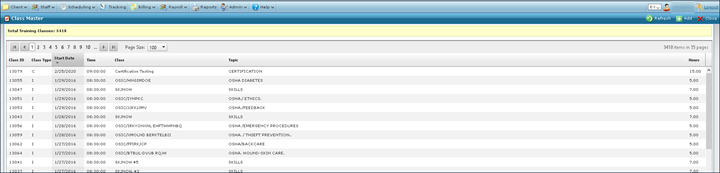
Navigate to the ClassMaster screen via Main Menu > Staff > Training > ClassMaster.
-
Locate the class.
-
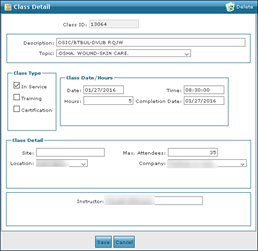
Double click on the class.
-
Make changes to fields as needed.
-
Click Save.
To delete a class:
-
Navigate to the ClassMaster screen via Main Menu > Staff > Training > ClassMaster.
-
Locate the class.
-
Double click on the class.
-
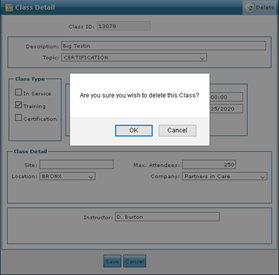
Click Delete.
-
A prompt asking for confirmation displays. Click OK.