Manage a Class Roster
The Class Roster screen allows users to manage the day to day activities of running a single or long-term class. From the Class Roster screen, users can take attendance, drop staff members from a course and confirm credit hours received.
-
Navigate to the Class Roster screen via Main Menu > Staff > Training > Class Roster.
-
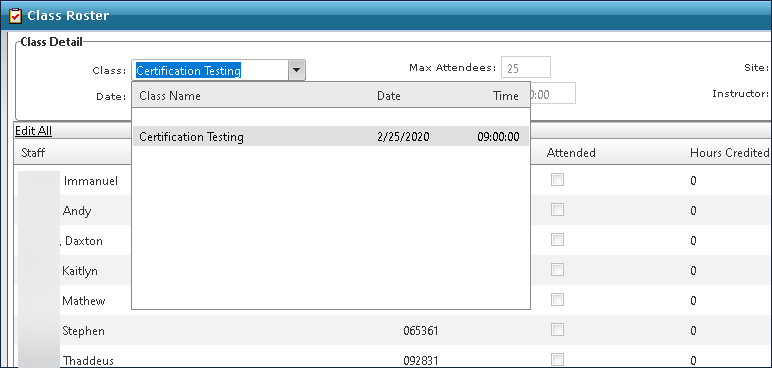
Select the class from the Class dropdown.
-
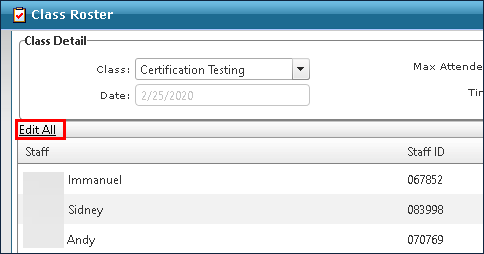
Click Edit All.
-
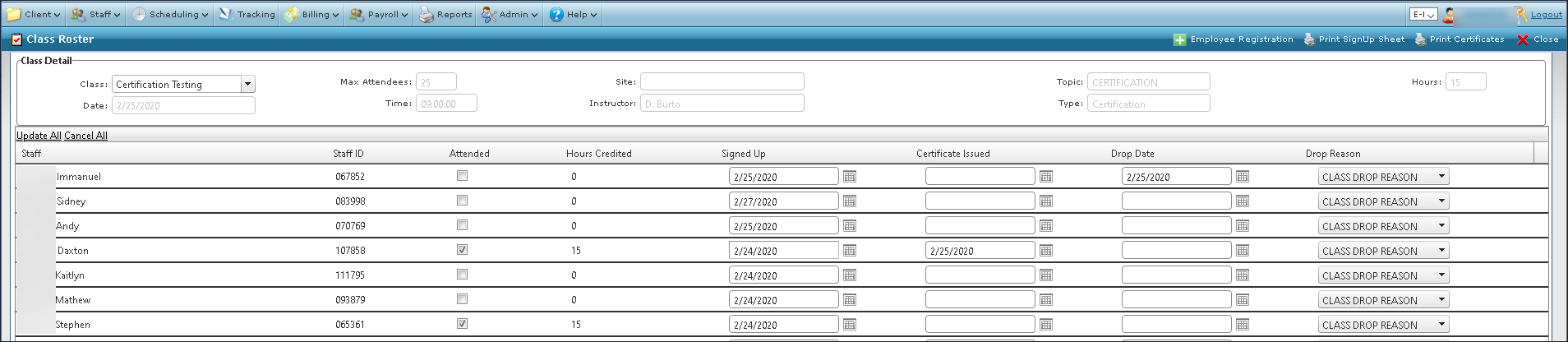
Make any necessary changes. This can include marking attendance or that a staff member has dropped the course.
-
Click Update All. All changes are saved.
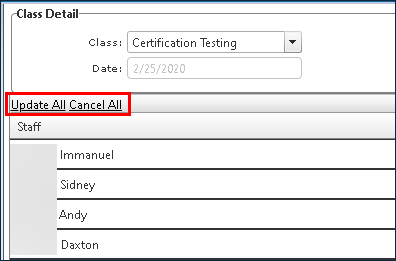
Clicking Cancel All undoes any unsaved changes.