Remove a Staff Member from an Existing Schedule
To remove a staff member from an existing schedule:
-
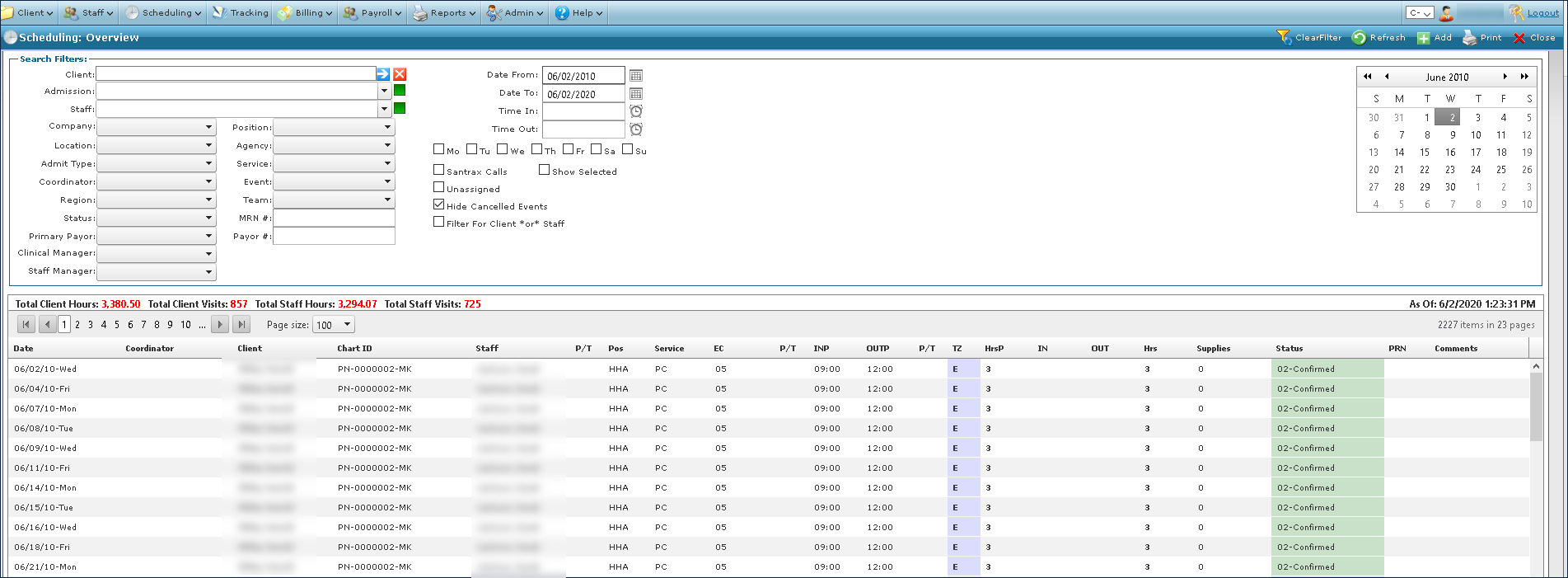
Go to Main Menu > Scheduling.
-
Choose the search filters matching the criteria to locate and open the schedule.
-
Locate the schedule in the results list.
-
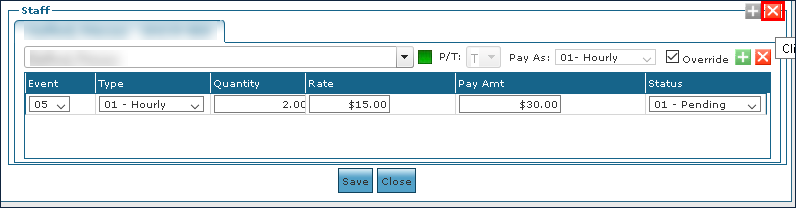
Click Remove Staff Member.
-
Click Save.
