Add, Edit and Delete Inventory Items

To add a new item to the inventory:
-
Go to Main Menu > Scheduling > Inventory > Inventory Items.
-
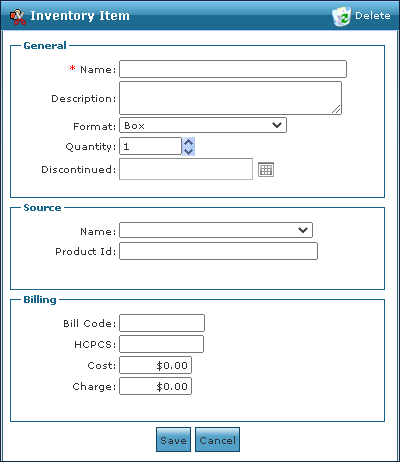
Click Add.

-
Enter the item information.
-
Click Save.
To update or make changes to an existing inventory item:
-
Go to Main Menu > Scheduling > Inventory > Inventory Items.
-
Double click on the item to be edited

-
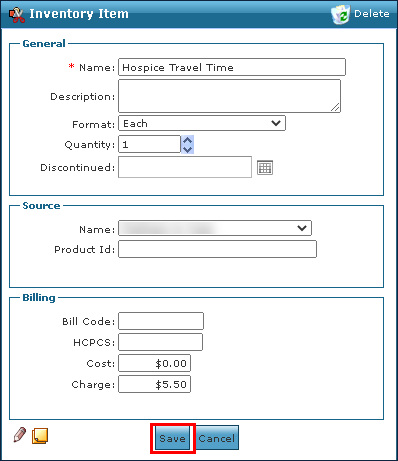
Edit the item information as needed.
-
Click Save.
To delete an out of date or no longer used item:
-
Go to Main Menu > Scheduling > Inventory > Inventory Items.
-
Double click on the item to be deleted.
-
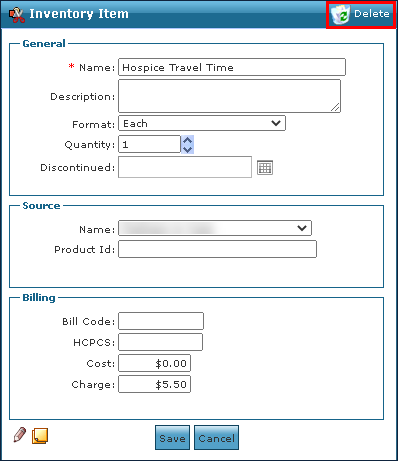
Click Delete.
-
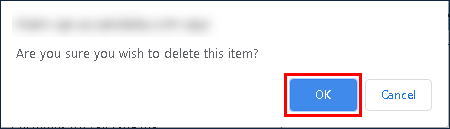
Click OK.