No Call Out Exception
A No Call Out exception results when a call in was made but a call out was not received as scheduled.

To resolve a No Call Out Exception:
If no call was made, confirm with the field staff when the visit occurred and manually enter the call time on the Schedule Detail screen. If there is a call to merge, use the following:
-
Go to Main Menu > Scheduling > Santrax Maintenance.
-
Use the filters to locate the applicable schedule and call. Sort based on the client’s name and the date of the visit.
-
Right click on the schedule.
-
Click Merge Calls.

-
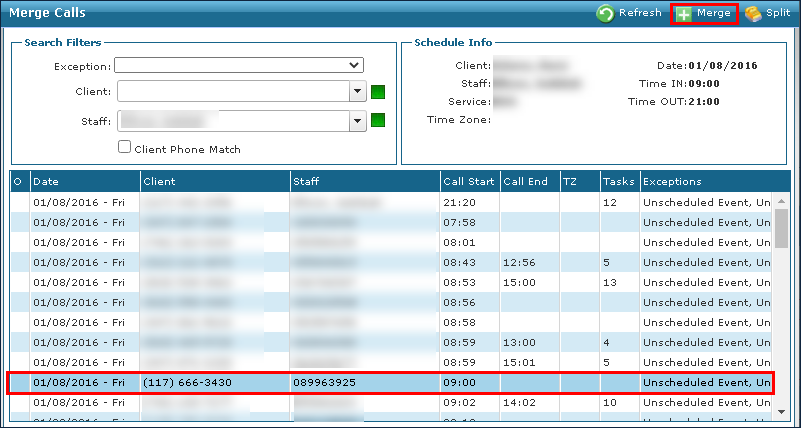
Locate and select the missing call.
-
Click Merge.
-
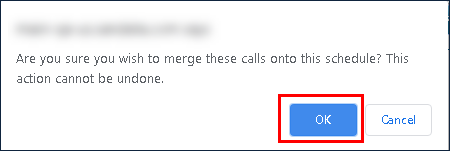
Click OK.
-
Select a reason code.
-
Click Save.
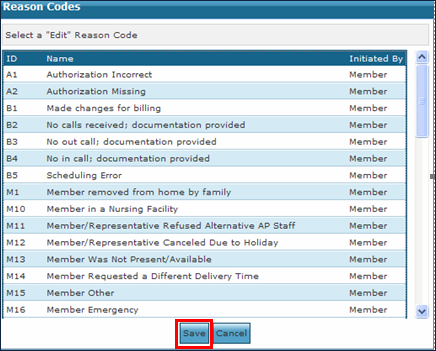
The new call out time is now displayed.