Add and Remove Documents from Schedules

To add a document to a schedule:
-
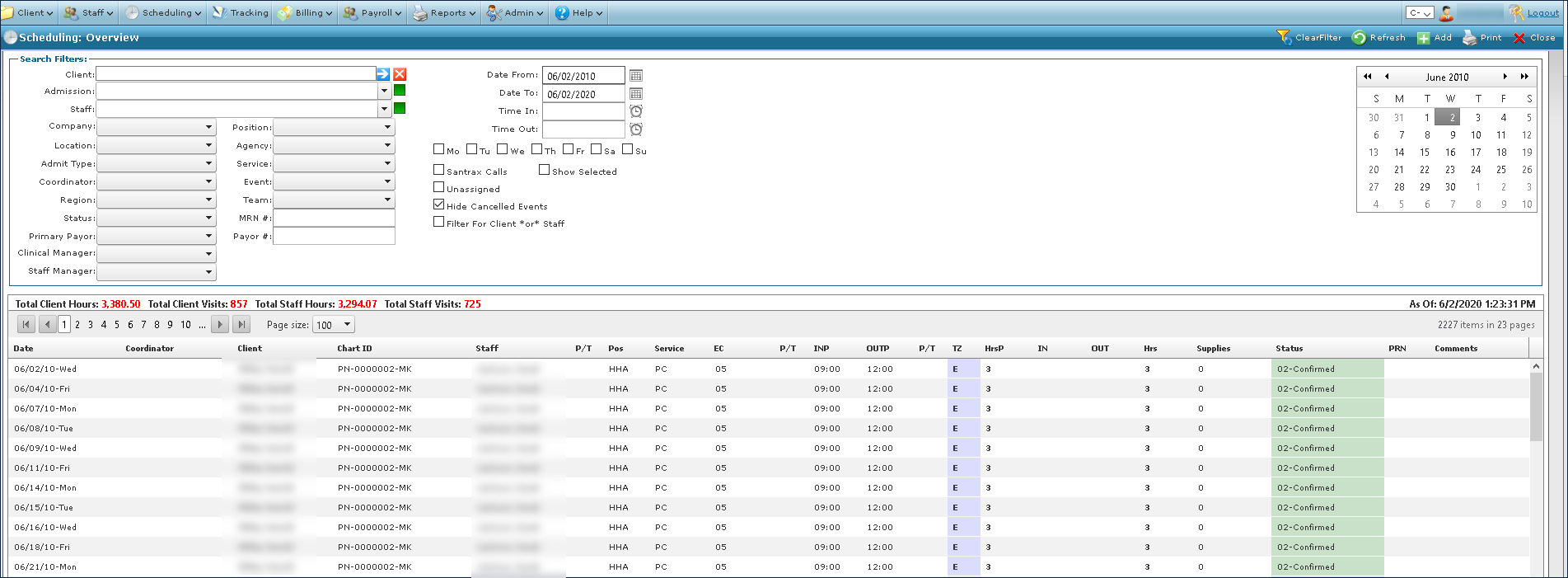
Go to Main Menu > Scheduling.
-
Choose the search filters matching the criteria for the schedule.
-
Locate the schedule in the results list.
-
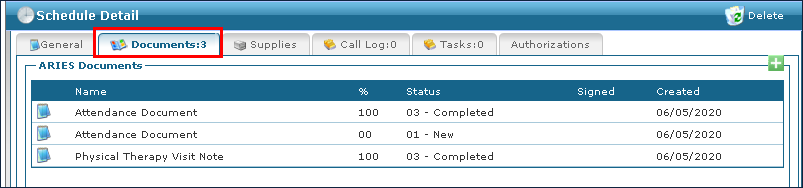
Click the Documents tab.
-
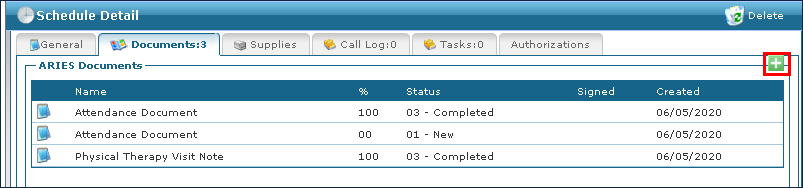
Click Add New Document.
-
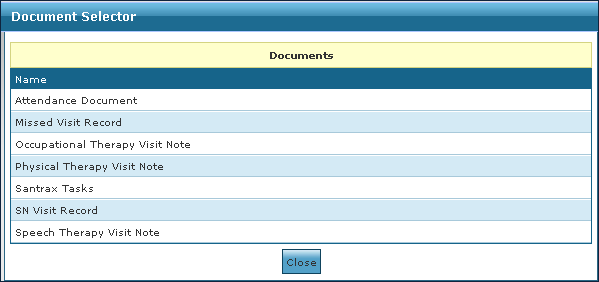
Select the document type.
-
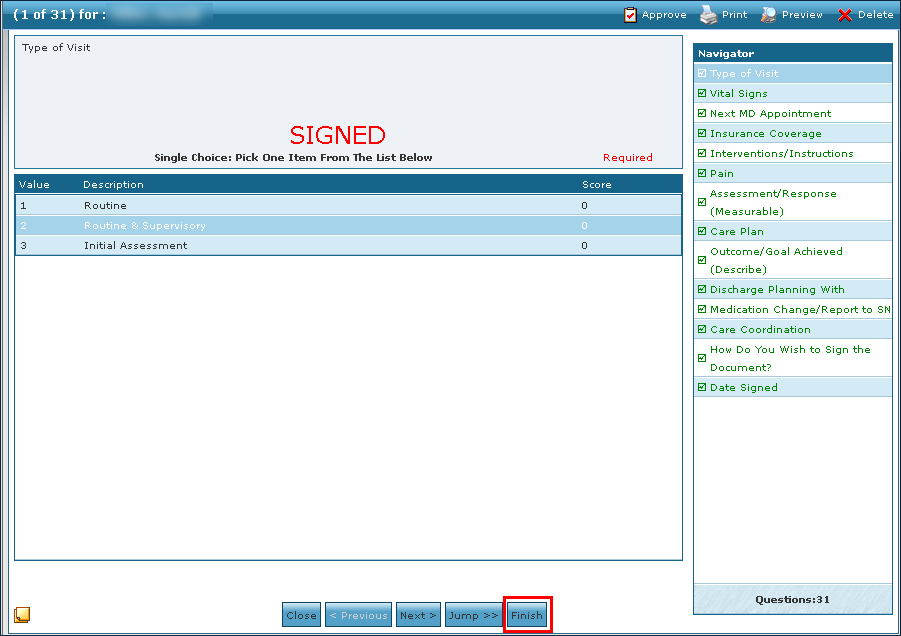
Enter the necessary information and click Finish.
To remove an expired or invalid document from a schedule:
-
Go to Main Menu > Scheduling.
-
Choose the search filters matching the criteria for the schedule.
-
Locate the schedule in the results list.
-
Click the Documents tab.
-
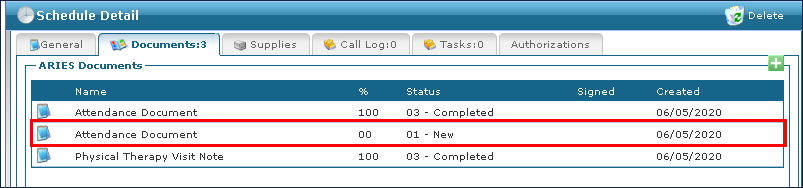
Double click on the document to be removed.
-
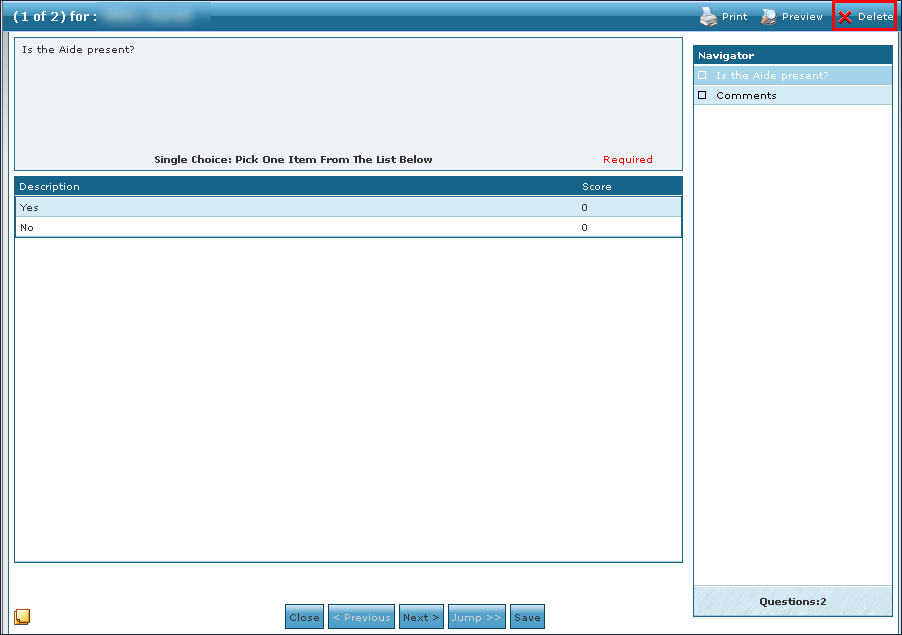
Click Delete.