Manually Confirm Schedules
To confirm schedules manually with the Schedule Confirmation screen:
-
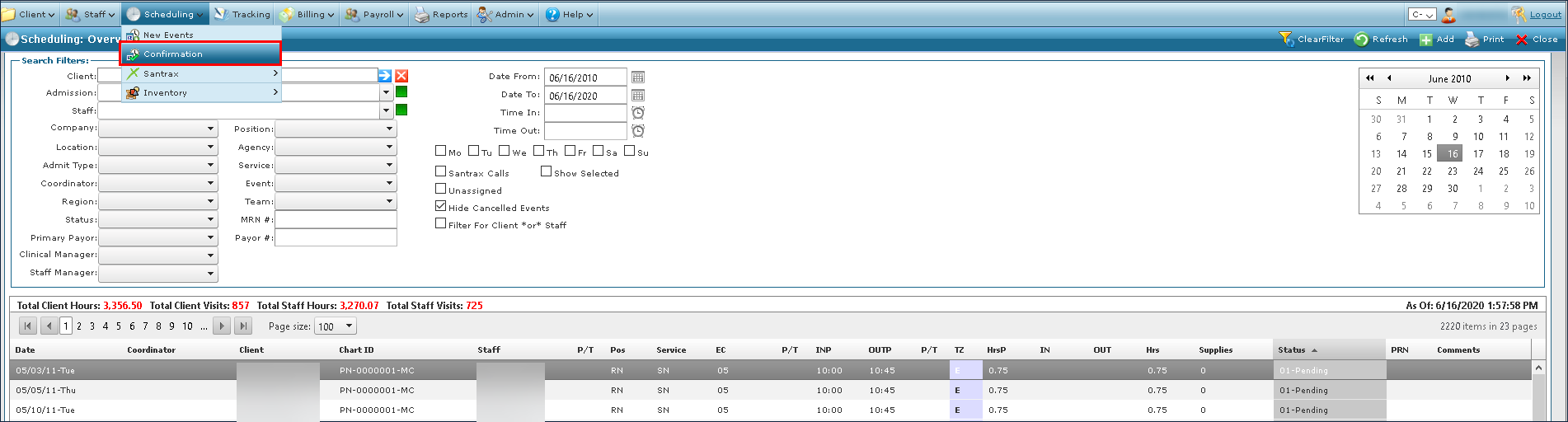
Go to Main Menu > Scheduling.
-
Use the filters to locate the schedules needing confirmation.
-
Click on Scheduling > Confirmation.
-
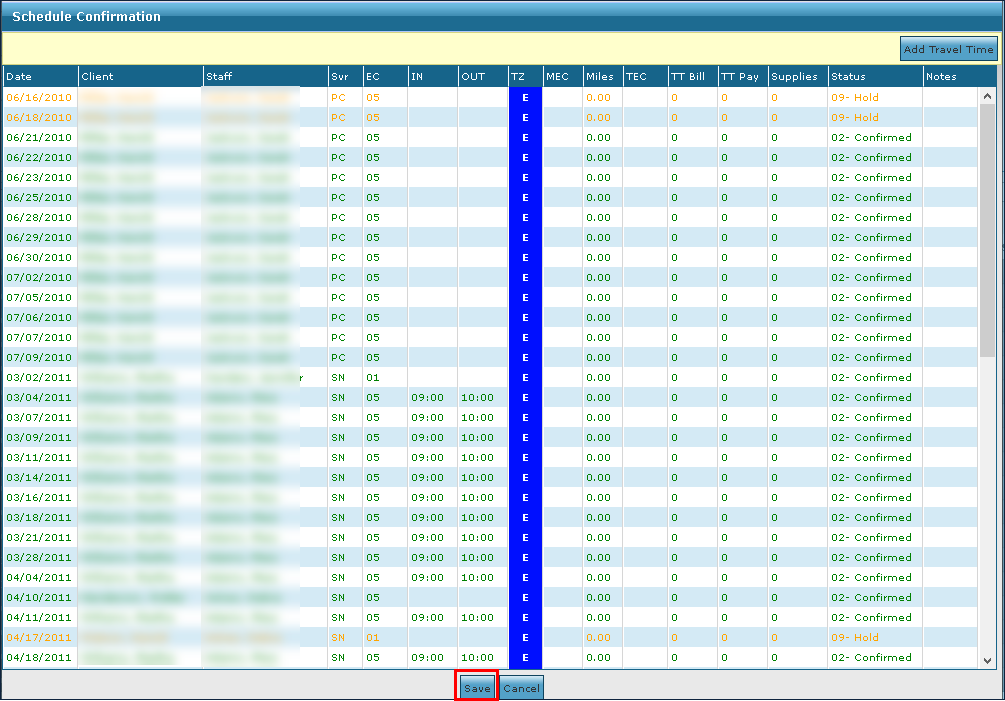
Edit any incorrect or missing information on the schedules.
-
Update the travel event codes.
This can be done for individual schedules by clicking in the TEC field or by selecting multiple schedules and clicking the Add Travel Time button.
-
Click Save.