Remove a Client from an Existing Schedule
It may be necessary to remove additional clients from a schedule.
To remove an additional client:
-
Go to Main Menu > Scheduling.
-
Choose the search filters matching the criteria to locate and open the schedule.

-
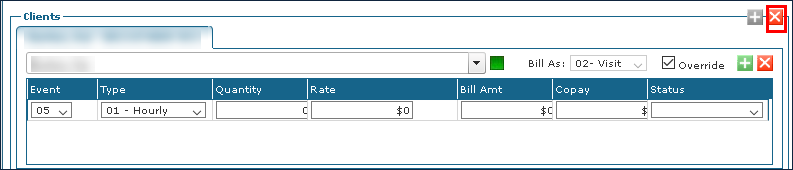
Click Remove Client. The original client must be removed to add a different client to the schedule.
-
Click Save.