Passwords
User passwords must be 12 characters in length and must include 1 number, 1 upper case letter, 1 lower case letter and 1 special character.
User passwords are set to expire by default after 90 days but can be configured to expire any time between 60 and 180 days.
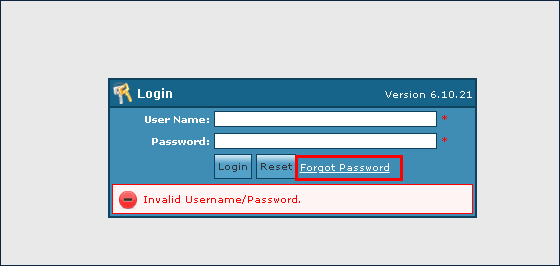
The Forgot Password link on the Sandata Agency Management Log In screen can be utilized by users who have forgotten their passwords. The link can be used to reset passwords without requiring an administrator to perform the reset manually. To use this link, users must have a valid email address saved to their staff profile. Users without a valid email address can continue to communicate with their administrator to request a password reset.

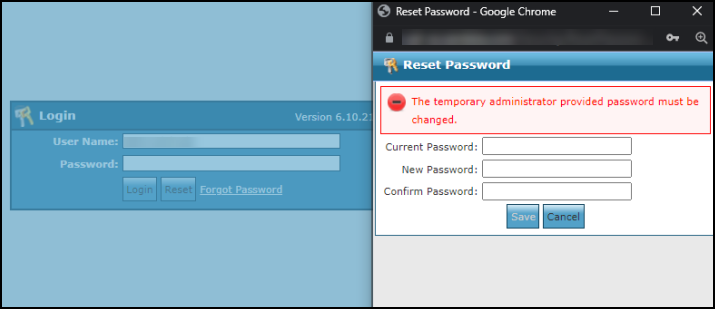
Once a user has received a temporary password from a system administrator, they are able to log into the system. After logging in with their temporary password, they are prompted to replace the temporary with a new user selected password.
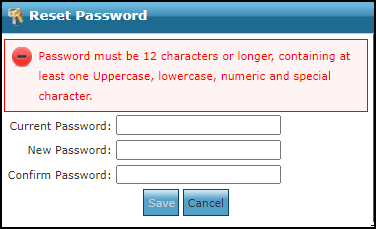
Users must have a valid email address saved to their profile to reset their password.
When a user has forgotten their password and needs to reset it:
-
Click the Forgot Password link.
-
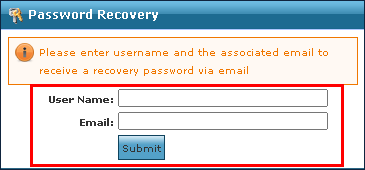
Enter the username and associated email address.
-
Click Submit.
-
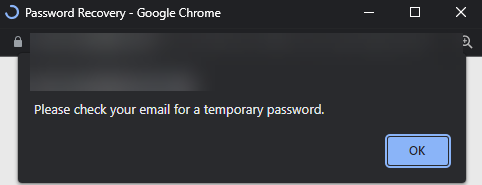
A pop-up displays to indicate the user should check the email for the temporary password. Click OK.
-
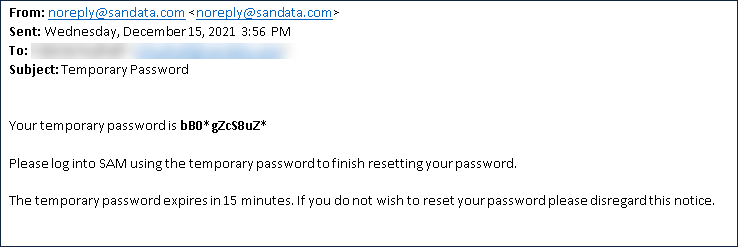
A temporary password is e-mailed to the associated email address. Use the new temporary password to log into the system. Temporary passwords expire 15 minutes after requested.
-
Change the temporary password to a new, user selected password. Click Save.