Split Schedules on a Client's Profile
When needed, a single schedule can be split into two shift times. The combined shift times must equal the amount of the original schedule.
-
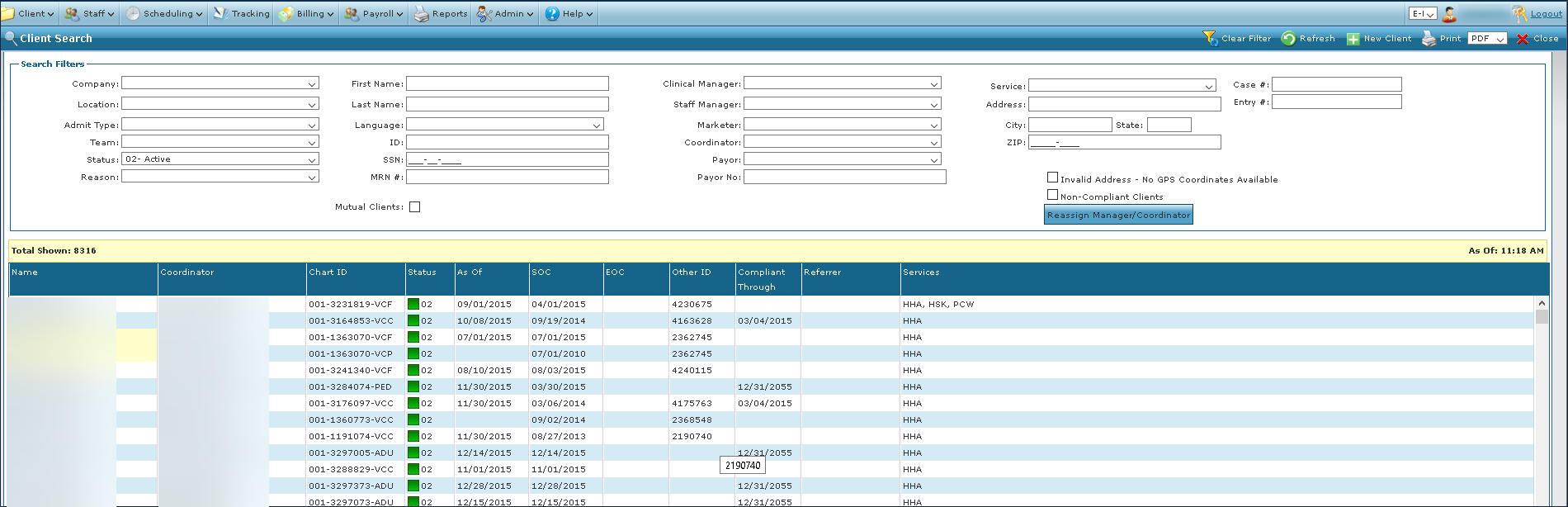
Go to the Client Search screen via Main Menu > Client.
Locate and double click on the client using the search filters.
-
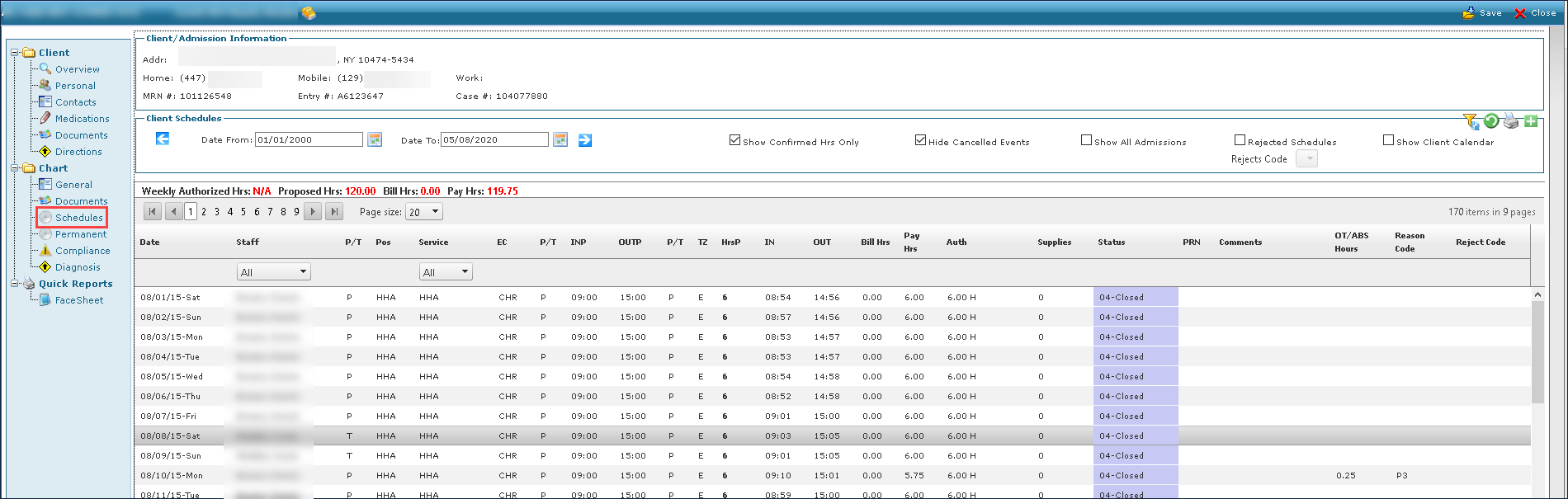
Click Schedules.
-
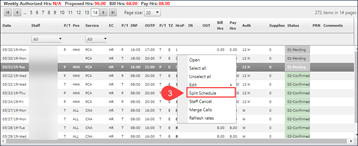
Right click on the unconfirmed schedule and select Split Schedule.
-
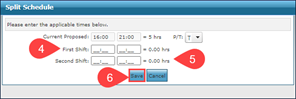
Enter the First Shift.
-
Enter the Second Shift.
-
Click Save.