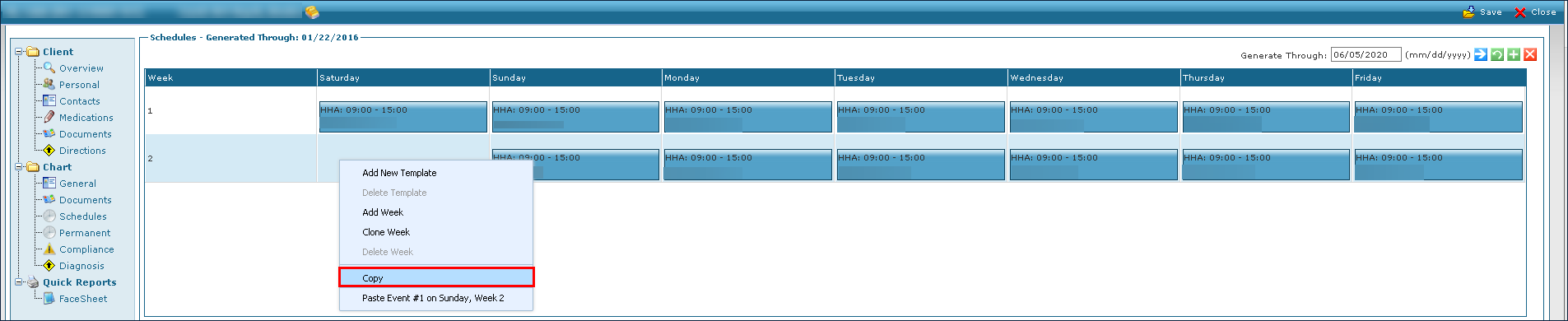
Copy a Template on a Client's Schedule
The Copy option is used to make a copy of an existing template to populate another day or the rest of a schedule.
To copy an existing template:
-
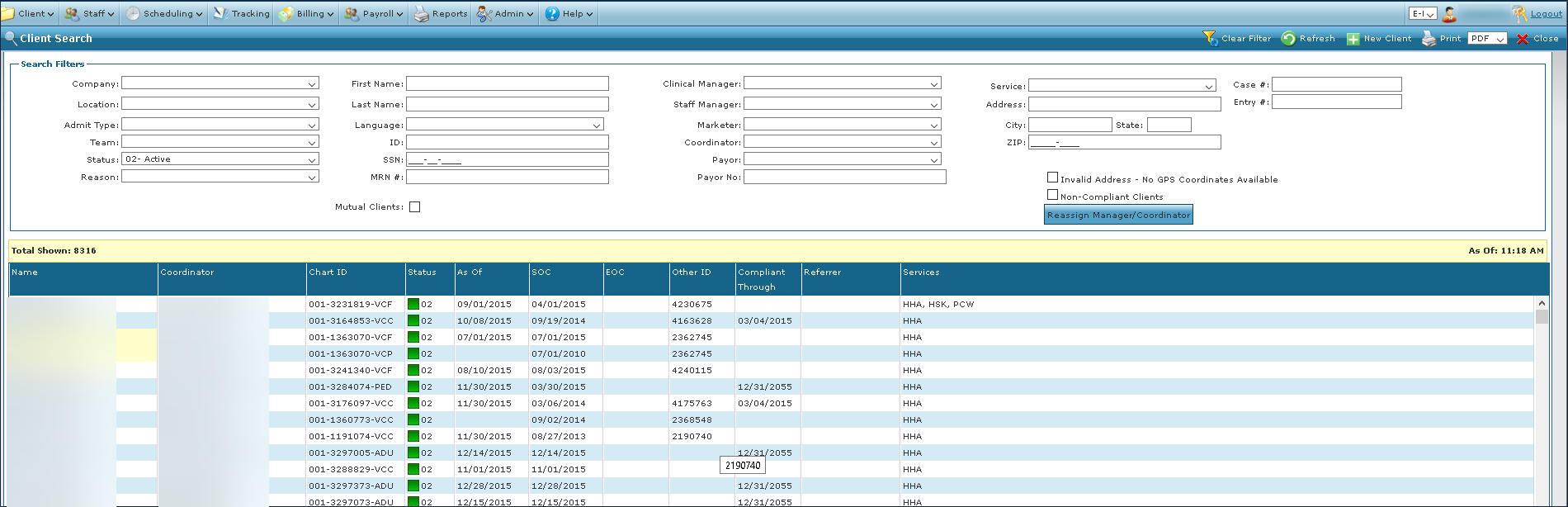
Go to the Client Search screen via Main Menu > Client.
-
Locate and double click on the client using the search filters.
-
Click Permanent.
-
Right click on the template and select Copy.