Add Image to a Client Profile
To add an image or photo to a client’s admission:
-
Navigate to the Client Search screen via Main Menu > Client.
-
Locate and double click on the client using the search filters.
-
Click Personal.

-
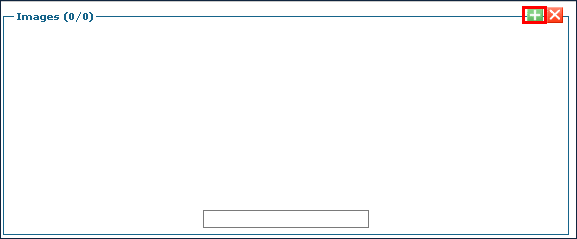
Click the Green + button under Images.
-
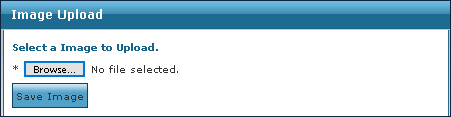
Click Browse.
-
Locate the image to be added and click Open.
-
Click Save Image.