Google Map View
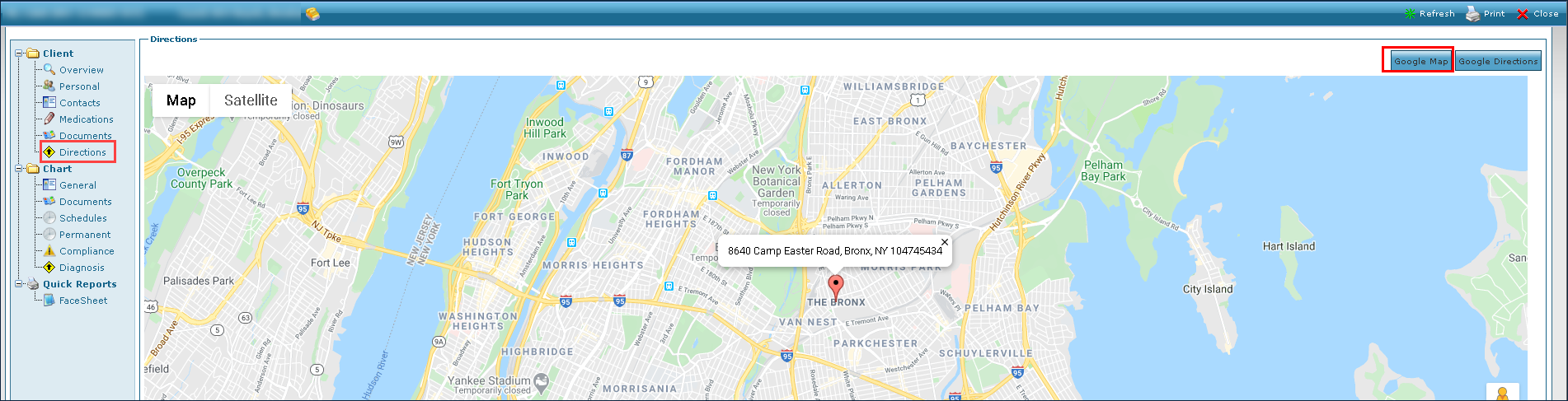
To confirm the physical location of the client’s primary address:
-
Go to the Client Search screen via Main Menu > Client.
-
Locate and double click on the client using the search filters.
-
Click Directions.
-
Click Google Map.
-
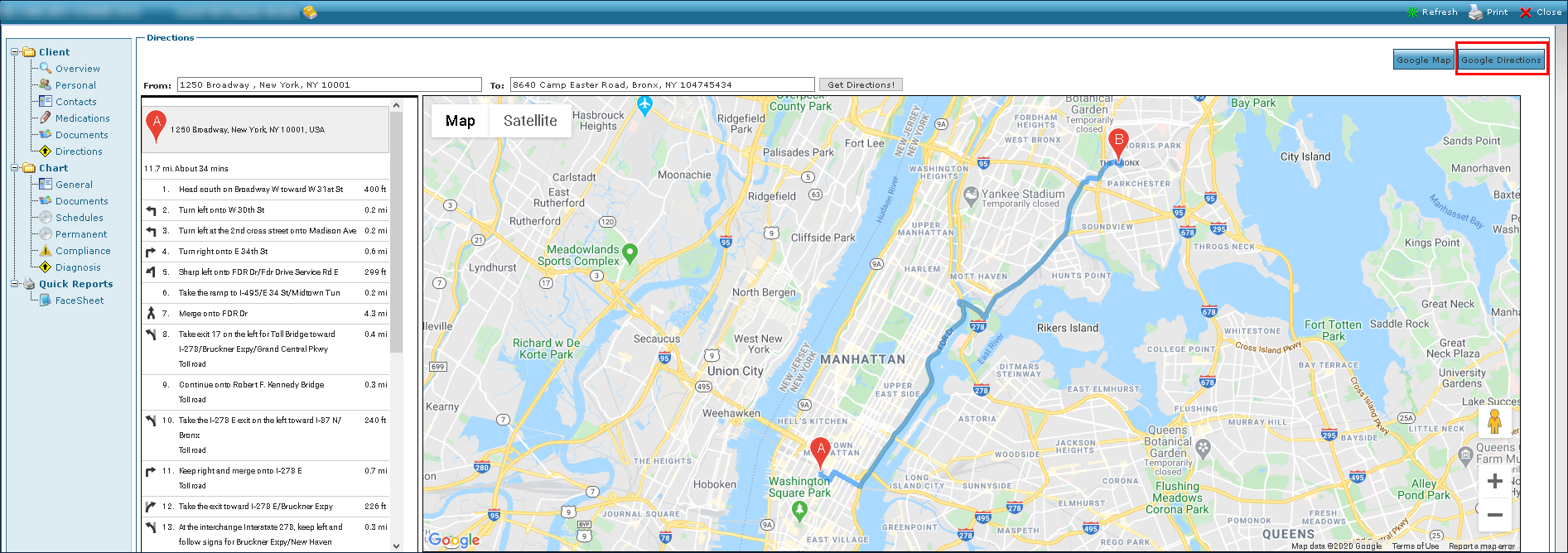
To obtain step by step directions to the client’s primary address, click Google Directions.