Diagnoses in the Client Profile

To add a new diagnosis to a client’s profile:
-
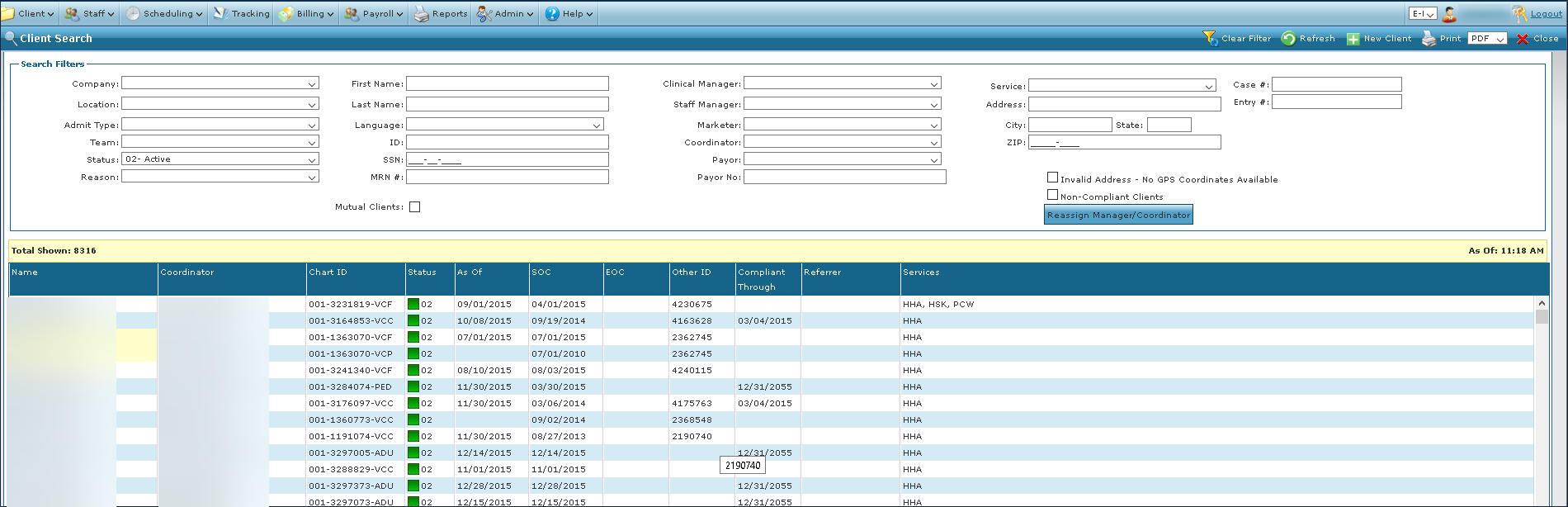
Go to the Client Search screen via Main Menu > Client.
-
Locate and double click on the client using the search filters.
-
Click Diagnosis.
-
Click the green + button.

-
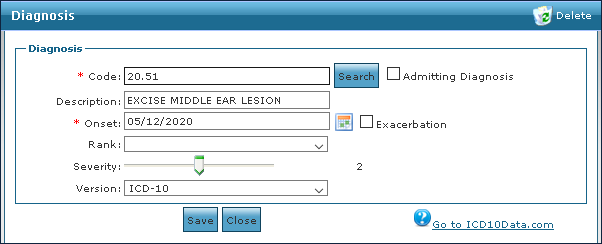
Enter the diagnosis information.
-
Click Save.
To update or correct a diagnosis on a client’s profile:
-
Go to the Client Search screen via Main Menu > Client.
-
Locate and double click on the client using the search filters.
-
Click Diagnosis.
-
Double click on the diagnosis to be viewed.

-
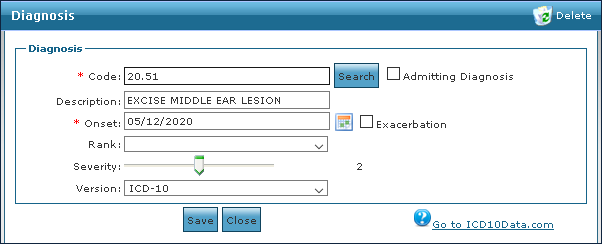
Update the diagnosis information.
-
Click Save.
To remove an invalid or cured diagnosis from a client’s profile:
-
Go to the Client Search screen via Main Menu > Client.
-
Locate and double click on the client using the search filters.
-
Click Diagnosis.
-
Double click on the diagnosis to be removed.
-
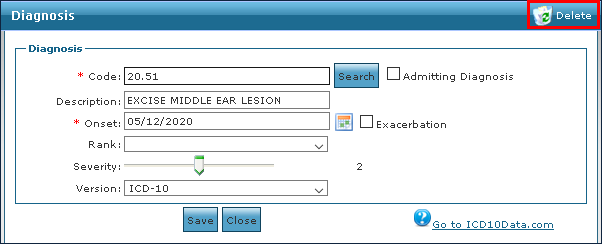
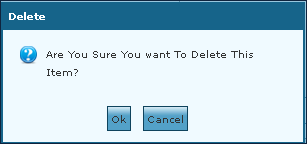
Click Delete.
-
Click OK.
To view a diagnosis on a client’s profile:
-
Go to the Client Search screen via Main Menu > Client.
-
Locate and double click on the client using the search filters.
-
Click Diagnosis.
-
Double click on the diagnosis to be viewed.