Authorizations in the Client Profile

To add a new authorization to a client’s profile:
-
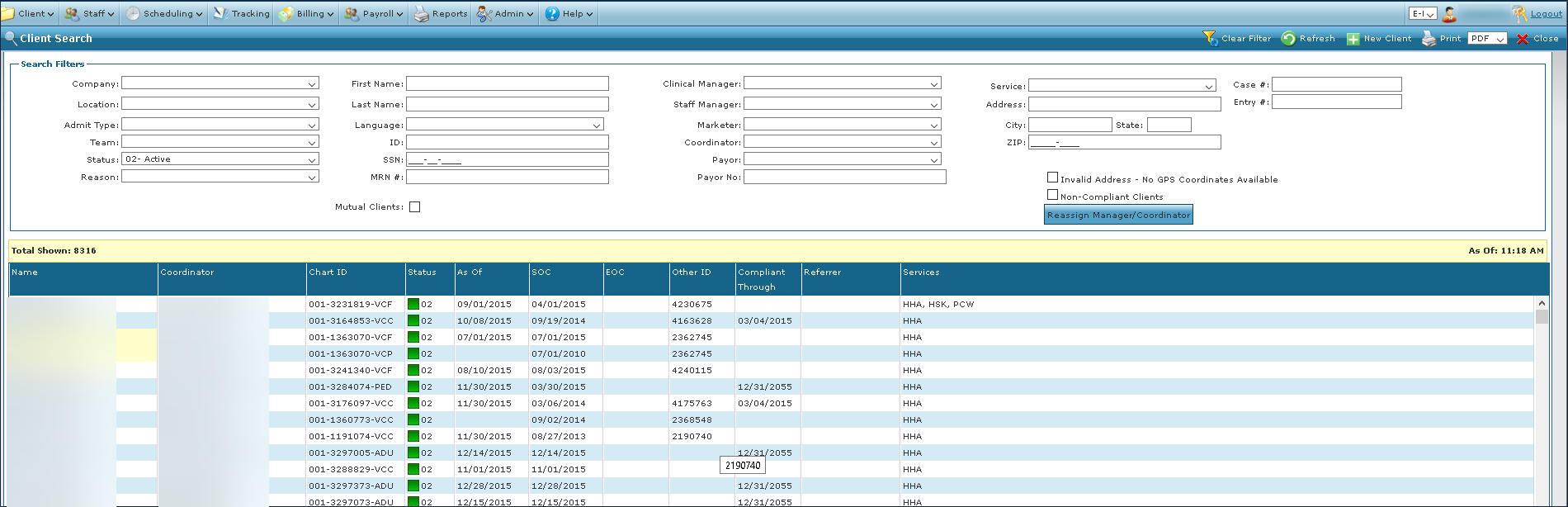
Go to the Client Search screen via Main Menu > Client.
-
Locate and double click on the client using the search filters.
-
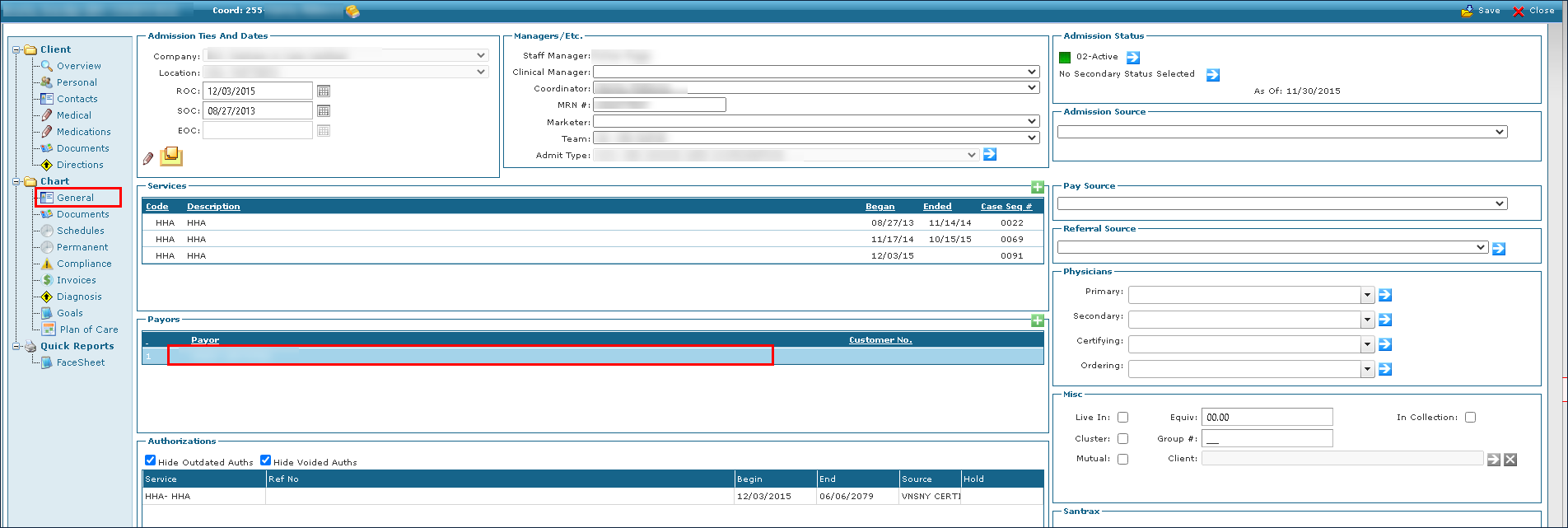
Click General and then double click on the client’s Payor.
-
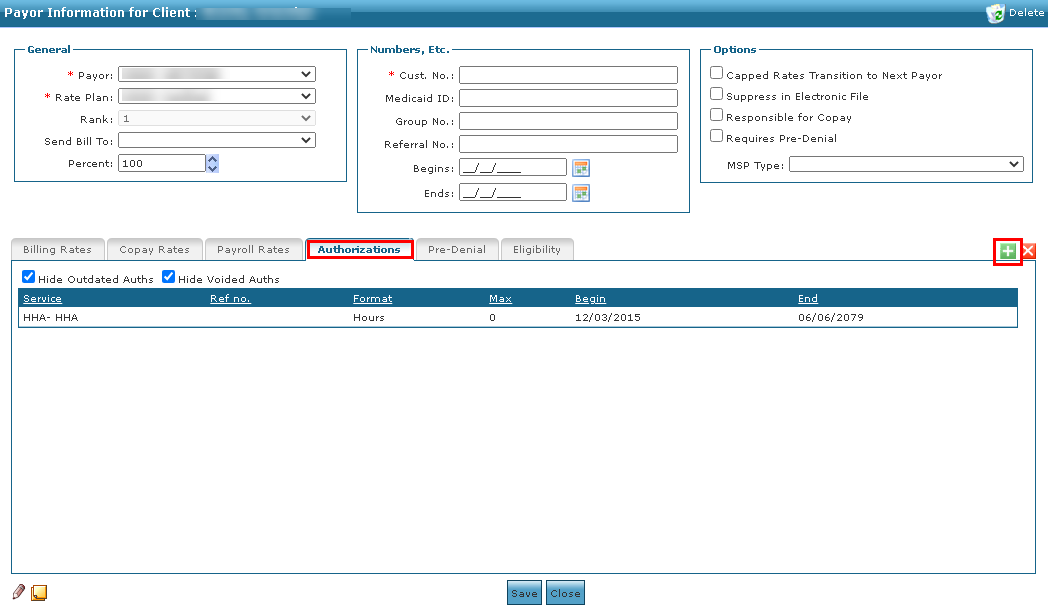
Click the Authorizations tab, and then click the + button.
-
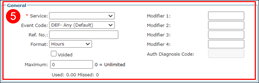
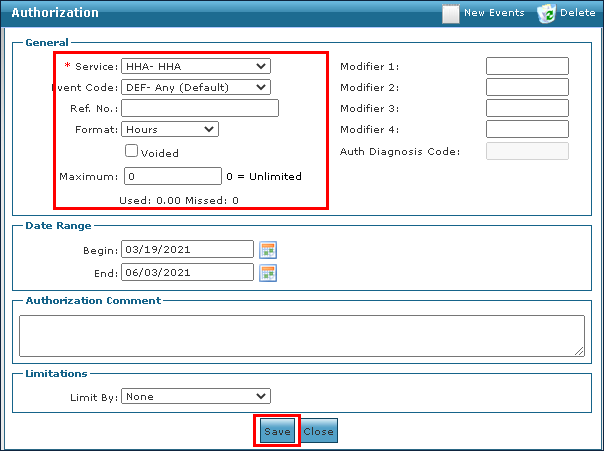
Use the fields to enter the authorization information.
-
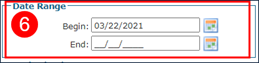
Enter the Begin and End dates.
-
Enter a comment, if applicable.
-
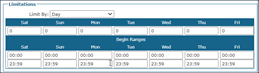
Select the Limitations. This section further limits the total authorized maximum units that can be used per day, week, month, or year. When limiting by day, a daily time frame can also be specified.
-
Click Save.

To edit a client’s existing authorization:
-
Go to the Client Search screen via Main Menu > Client.
-
Locate and double click on the client using the search filters.
-
Click General and then double click on the client’s Payor.
-
Click the Authorizations tab, and then double click on the authorization.
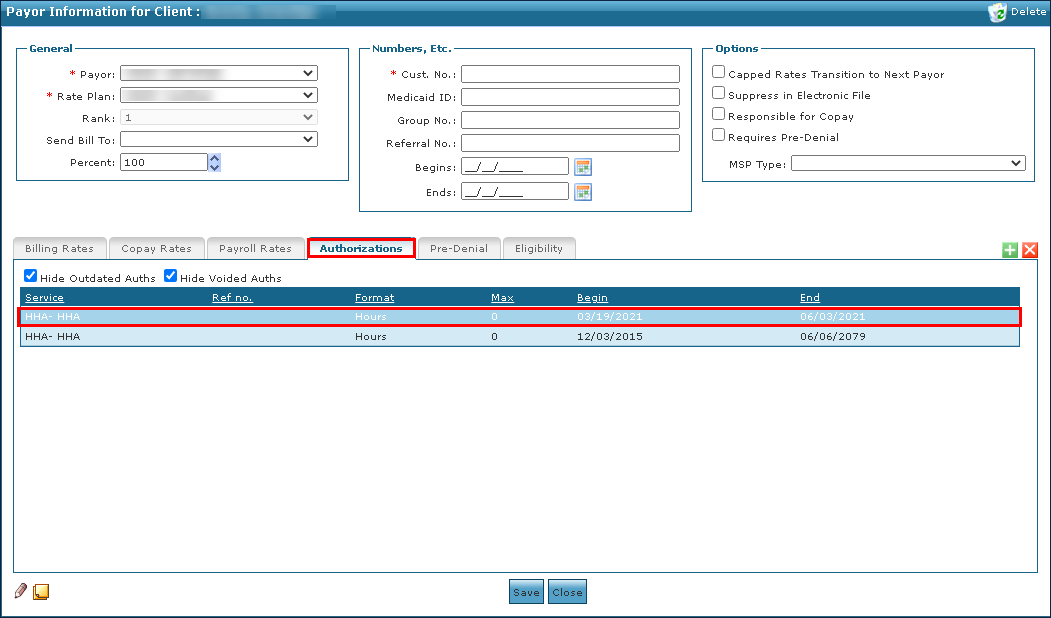
-
Make any changes to the authorization as needed, then click Save.
To remove an authorization from a client’s profile:
-
Go to the Client Search screen via Main Menu > Client.
-
Locate and double click on the client using the search filters.
-
Click General and then double click on the client’s Payor.
-
Click the Authorizations tab, and then double click on the authorization.
-
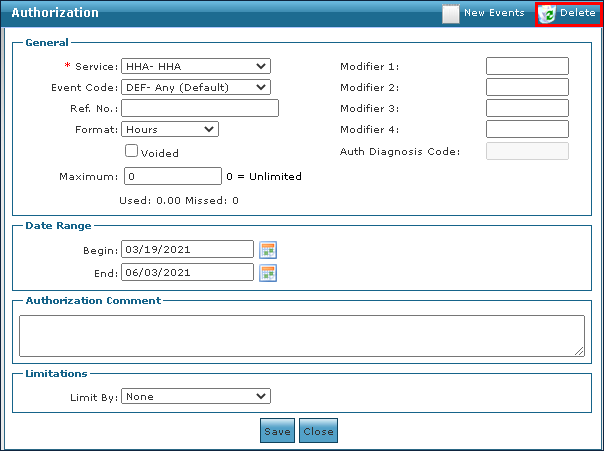
Click Delete.
-
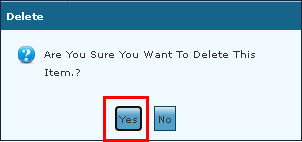
Click Yes.