Edit an Address
To make a correction or update a client’s address information:
-
Navigate to the Client Search screen via Main Menu > Client.
-
Locate and double click on the client using the search filters.
-
Click Personal.

-
Click the Blue Arrow.
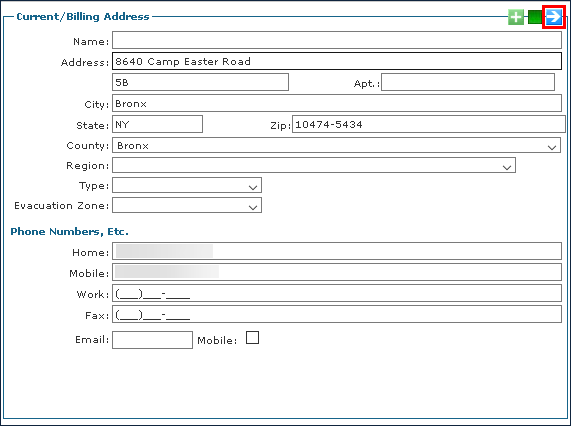
All listed addresses are displayed.
-
Click the address to be edited.
-
Make any changes.
-
Click Save.
