Add or Remove Advanced Directives from a Client Profile
Advanced Directives can be added to the Client Profile by clicking into the box and adding text or by using a preexisting template.

To add advanced directives to a client’s admission:
-
Go to the Client Search screen via Main Menu > Client.
-
Locate and double click on the client using the search filters.
-
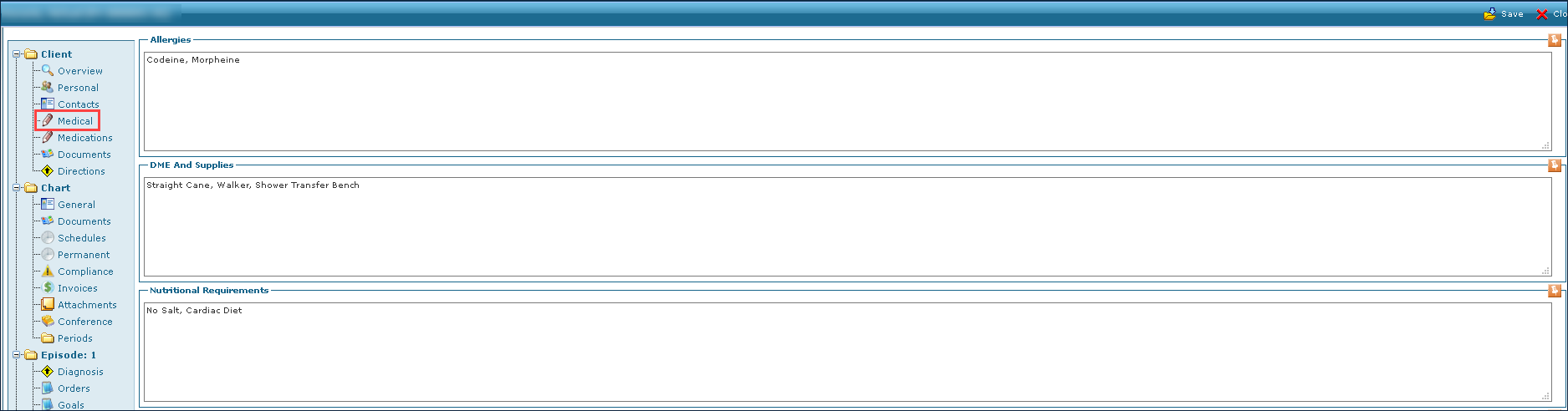
Click Medical.
-
Click the Thumbtack button under Advanced Directives.
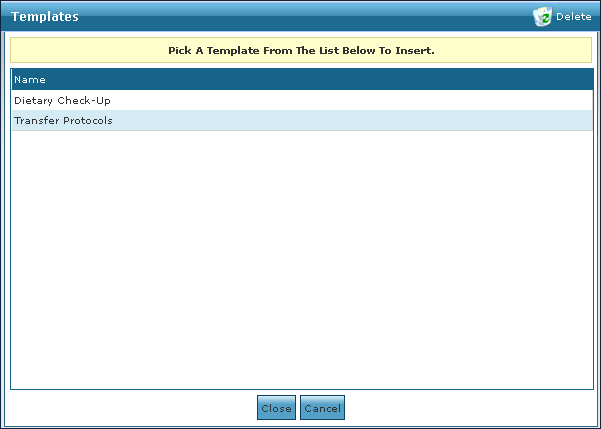
To add a new directive, click Add Text As New Template and enter the directive’s name.

-
Double click on the directive to be added.
Directives may change with a patient’s recovery or condition. To remove a directive from a Client Profile:
-
Go to the Client Search screen via Main Menu > Client.
-
Locate and double click on the client using the search filters.
-
Click Medical.
-
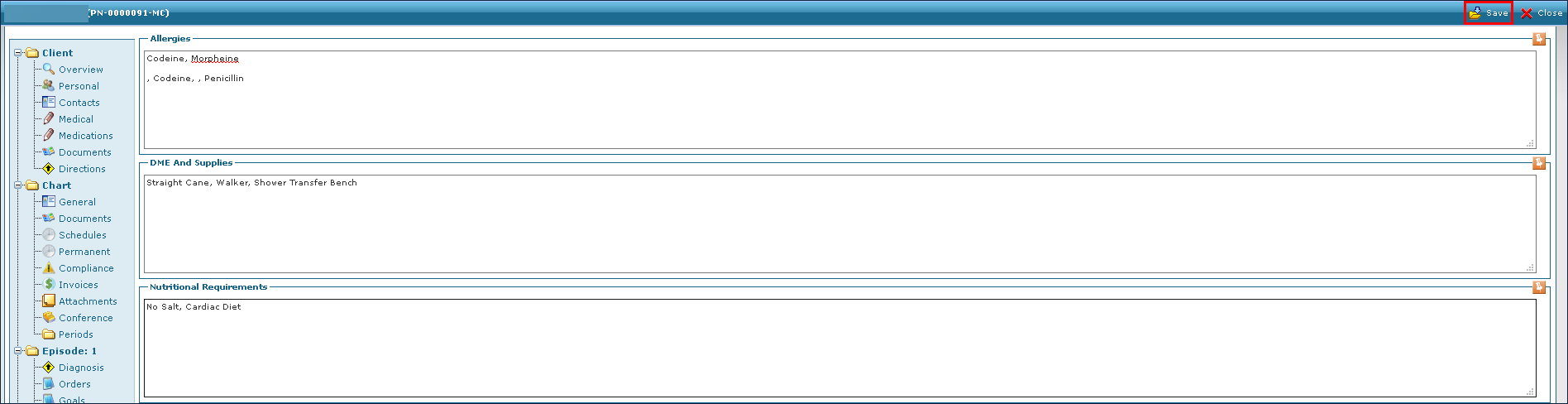
Highlight the directive or duplicate to be removed in the Advanced Directives box and press Delete on the keyboard.

-
Click Save.