Add a New Physician
To add a new physician to the system:
-
Go to Client > Physicians.
-
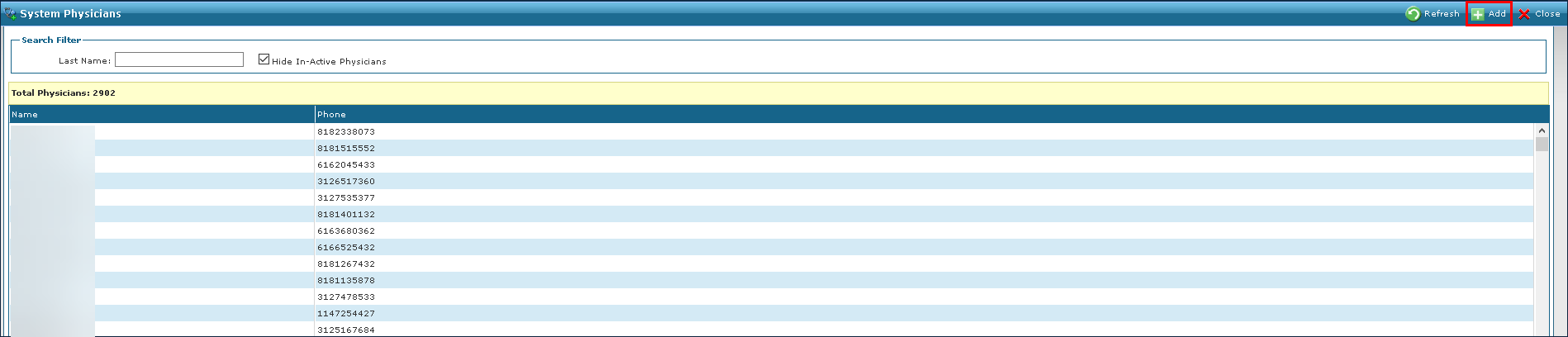
Click Add.
-
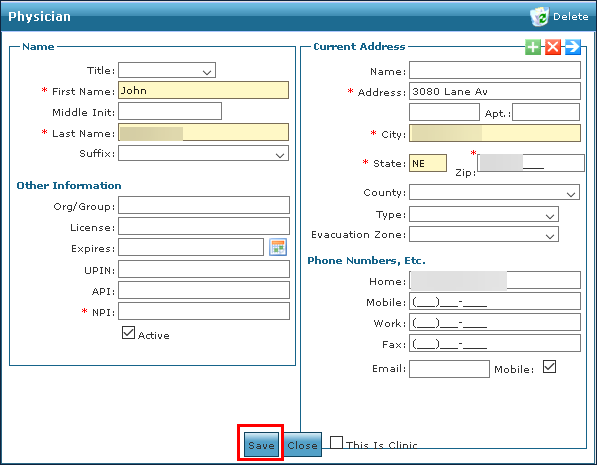
Enter the physician’s information.
-
Click Save.