Print a Client List
To print a client list:
-
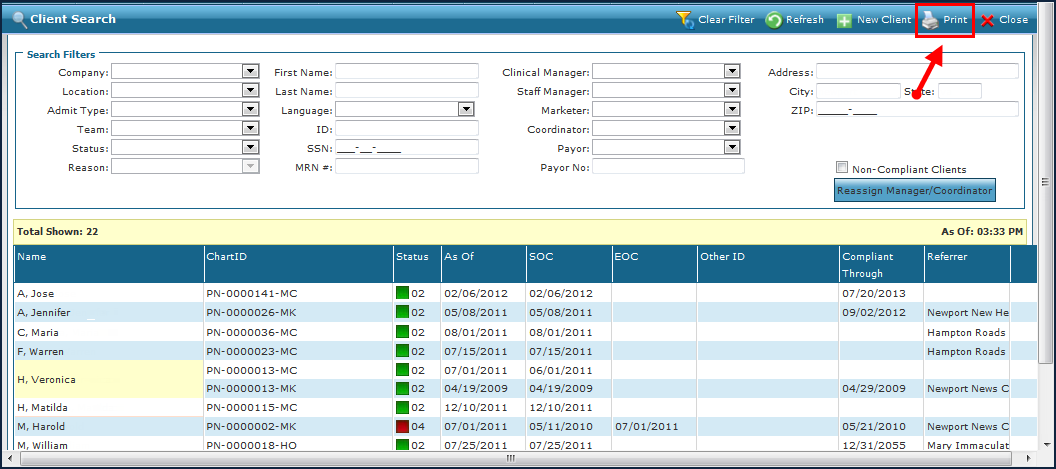
Navigate to the Client Search screen via Main Menu > Client.
-
Use the search filters to locate the selected clients.
-
Click Print.
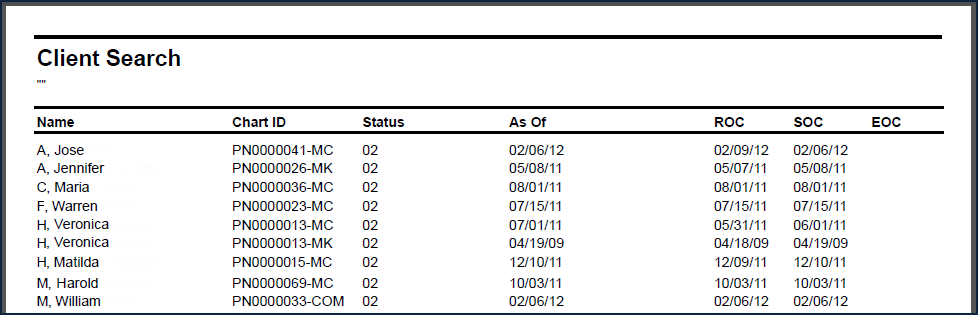
The Client Search report is generated as a PDF. From there, it can be saved, downloaded as a PDF or CSV, or printed.