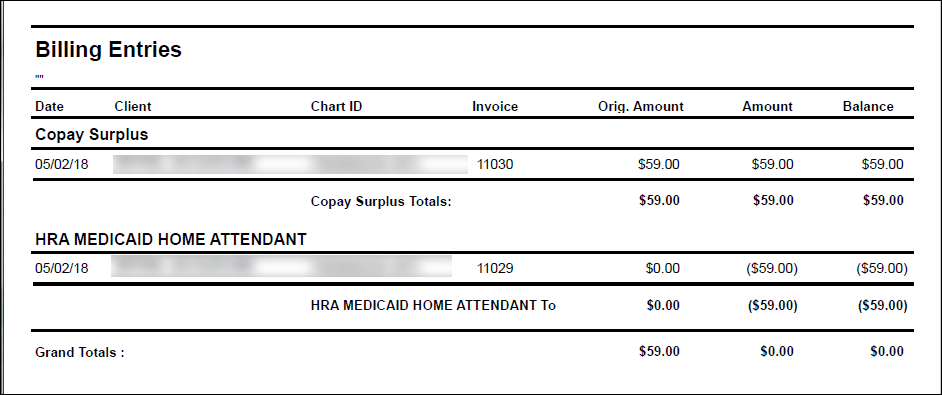
Create a Surplus Invoice
To create a surplus invoice from the Client Search Screen:
-
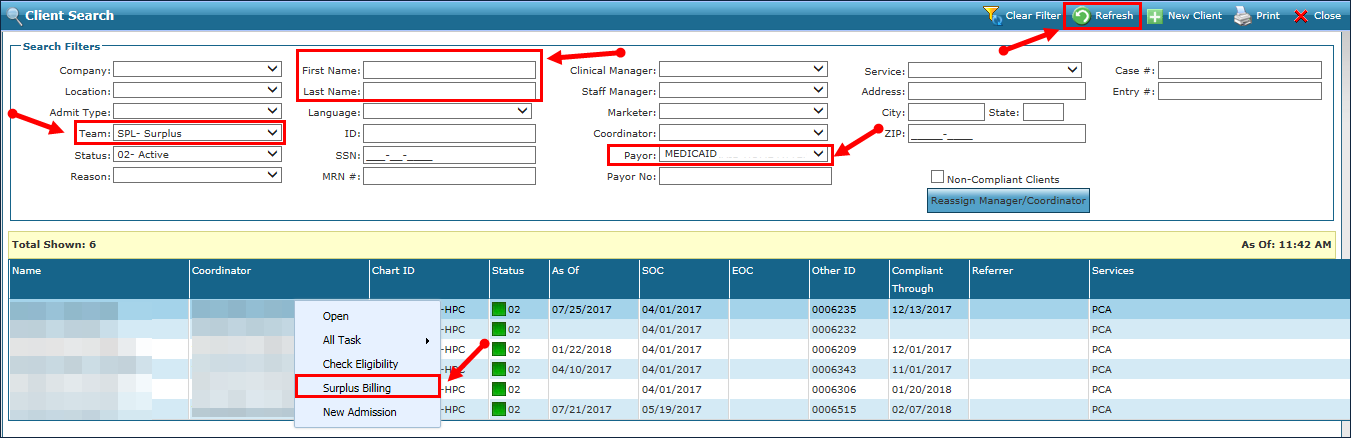
Navigate to the Client Search screen via Main Menu > Client.
-
Select the applicable Search Filters to display the client(s) using surplus billing.
-
Click Refresh.
-
Select the client(s) from the search results.
-
Right-click to open a pop-up window.
-
Select Surplus Billing.
-
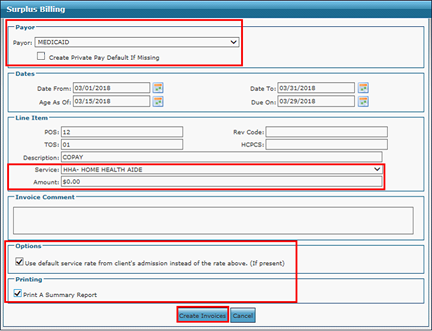
Enter the surplus billing information.
-
Click Create Invoice.
-
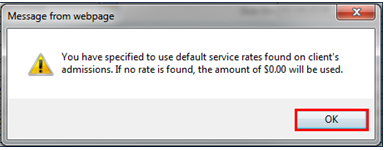
Click OK.
The invoice is created.