Rollback Resubmission Process
The Rollback Resubmission process is used when there is a structural issue with the 837 claim file resulting in the entire claim file not exporting successfully.
-
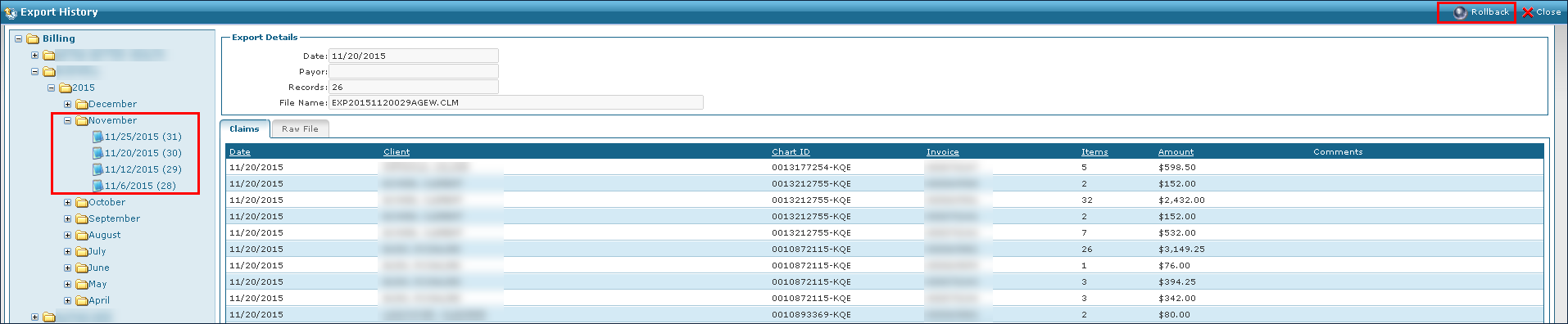
Go to Billing > History.
-
Locate the rejected claim.
-
Click Rollback.
-
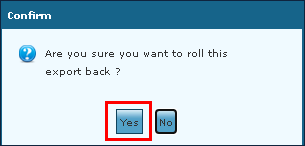
Click Yes.
-
Click OK.
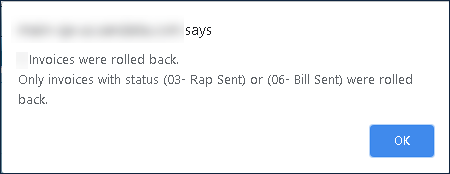
The invoices are now set to 05-Billable and can be exported again.
-
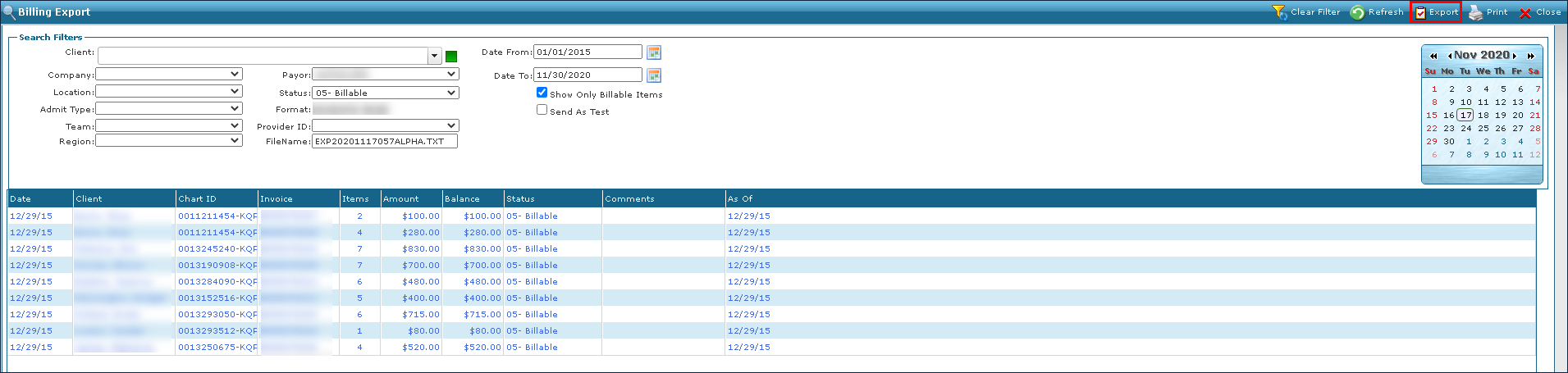
Go to Billing > Export.
-
Use the search filters to locate the invoices now set to 05-Billable.
-
Click Export.
-
Click OK.
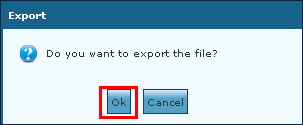
The exported file can be downloaded when ready.