Void a Payment on an Account
To void a payment on a client’s account:
-
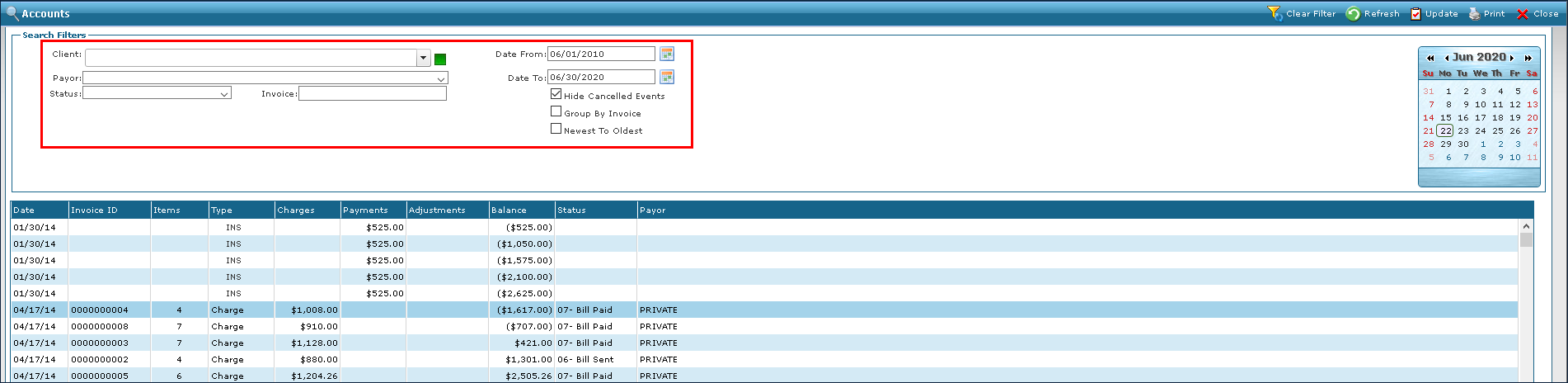
Go to Main Menu > Billing > Accounts.
-
Use the filters to locate the client.
-
Double click on the payment or adjustment to be voided.

-
Click Void on the Payment Detail screen.
-
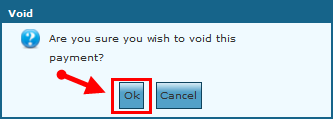
Click OK to void the payment.
-
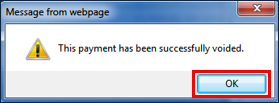
Click OK on the confirmation message.