Post a Payment
When using Manual Remittance, once payment has been received for a billed invoice, it must be added to the invoice and distributed to the appropriate visits.
-
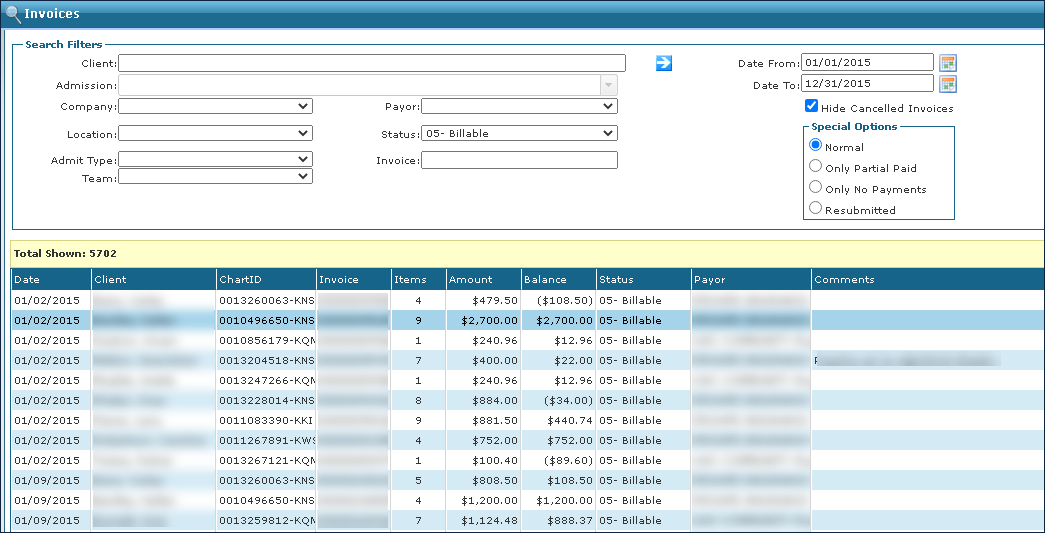
Go to Main Menu > Billing > Invoices and open the invoice.
-
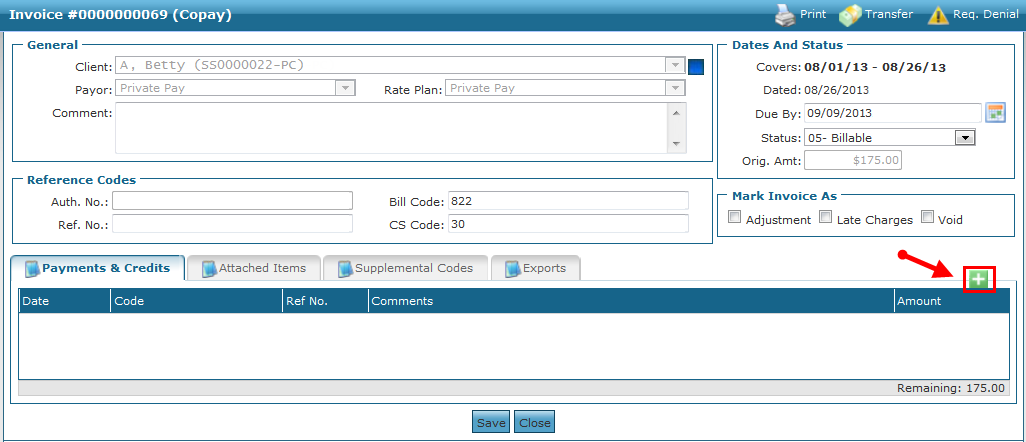
Click the green plus icon on the Payments & Credits tab.
-
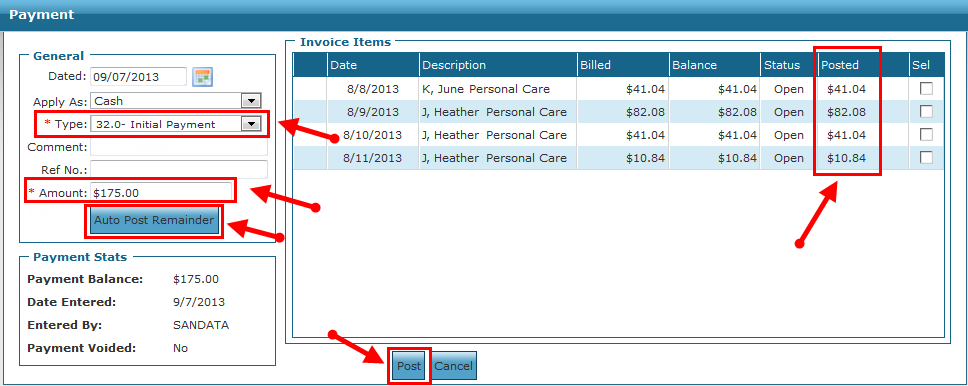
Enter all applicable information.
-
Apply your payment (Choose A or B):
-
Click Auto Post Remainder to distribute the Amount posted to Invoice Items, in date order, until the Amount that was entered is exhausted.
-
Enter the amount that will be applied to each Invoice Item manually, using the Posted field column.
-
-
Click Post.
-
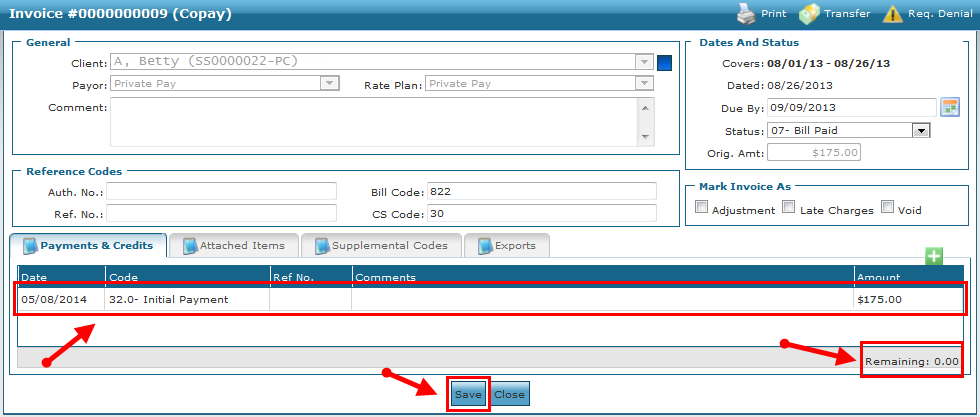
Click Save to confirm this payment.
The applied Payment Line appears on the Invoice Detail screen with the Remaining balance amount adjusted.