Use Navigate To on the Billing Review Screen
Occasionally a visit contains exceptions that must be resolved before an invoice can be created. The Navigate To option allows users to immediately open a client profile, correct any issues and then return to the previous screen.
-
Select the visit from the results list.
-
Right click to open the drop-down menu and select Navigate to: > Client.
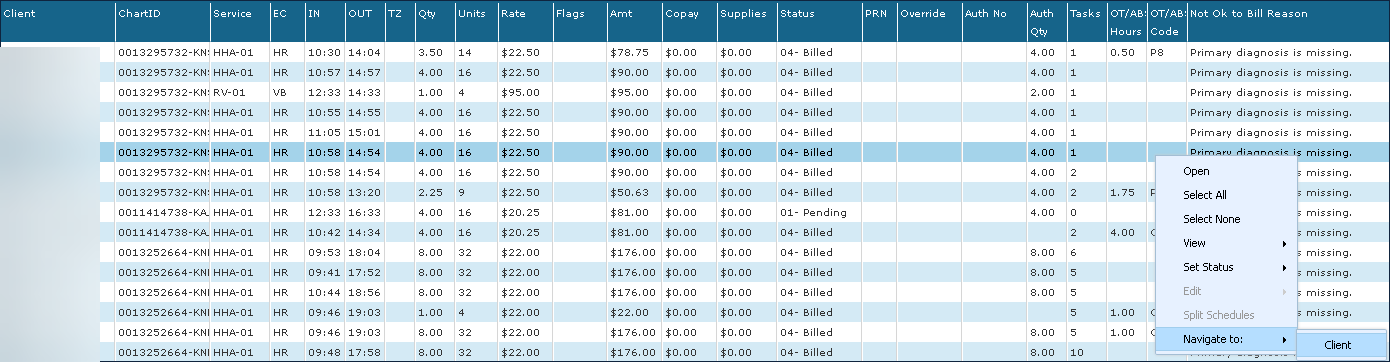
This opens the General section of the Client’s Admission.
-
Resolve any necessary conflicts.
-
Click Save.
-
Click Close.
You then return to the Billing Review screen.