Master Rates

To add a new master rate:
-
Go to Main Menu > Billing > Master Rates.
-
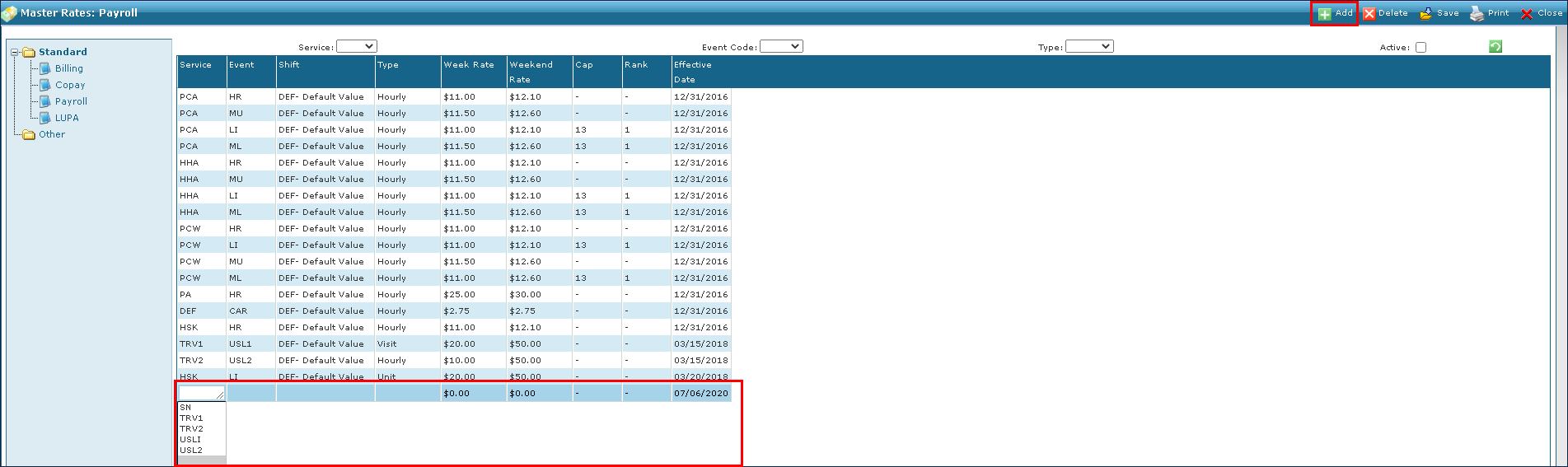
Click Add. A blank line is added to the bottom of the list.
-
Enter the new rate information in the blank fields.
-
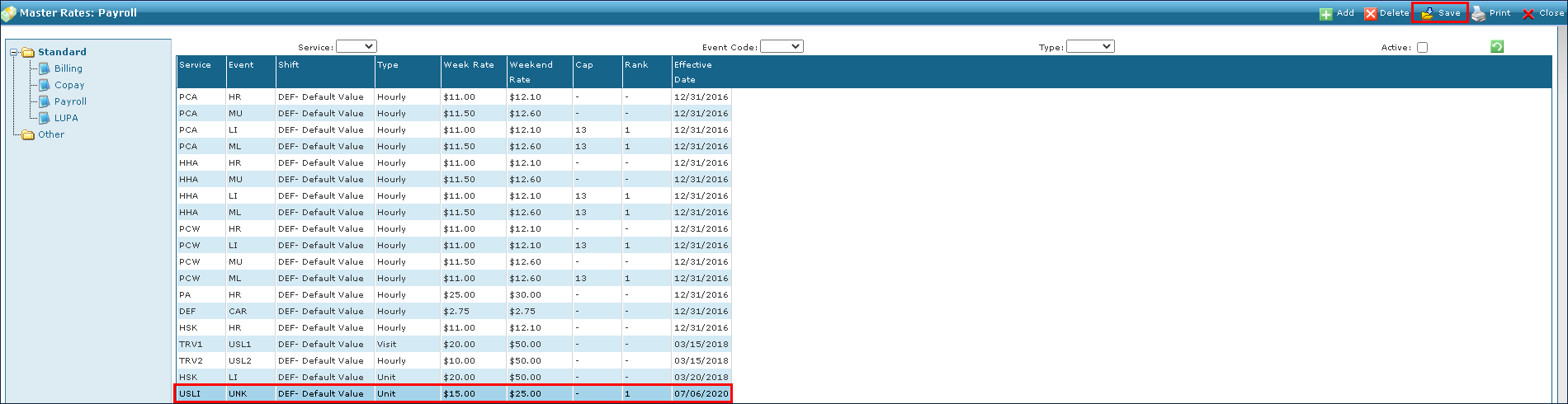
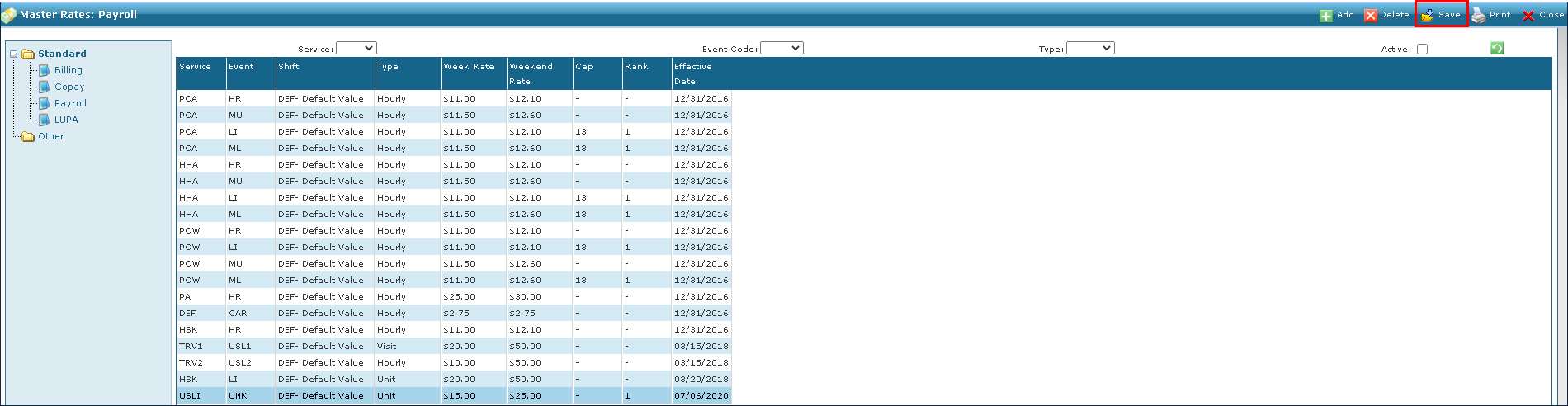
Click Save.
To edit an existing rate:
-
Go to Main Menu > Billing > Master Rates.
-
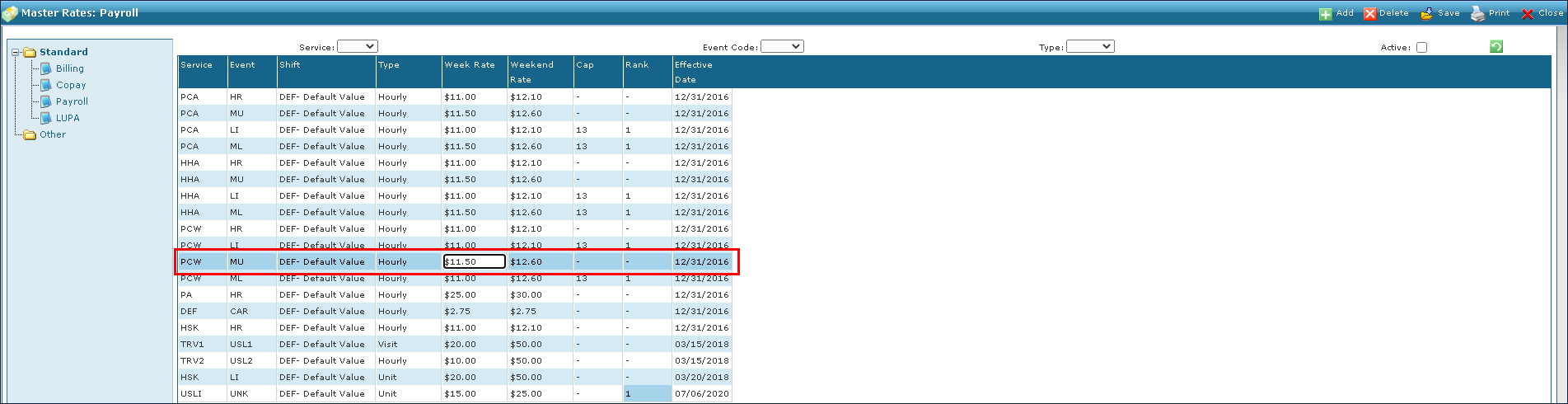
Click on the rate fields that need editing.
-
Enter the new rate information.
-
Click Save.
To delete an existing rate:
-
Go to Main Menu > Billing > Master Rates.
-
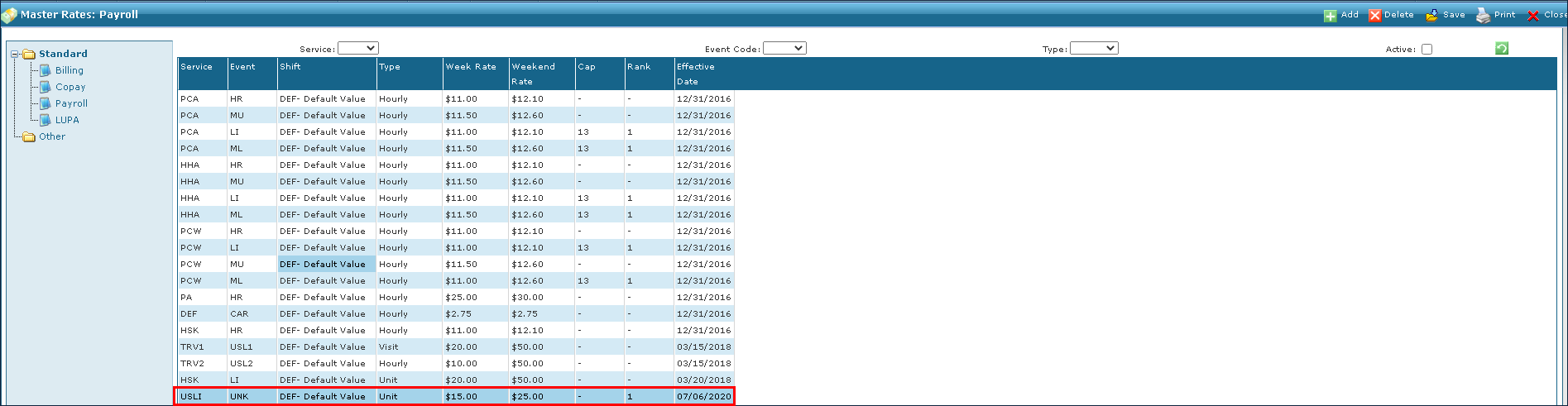
Click on the rate to be deleted.
-
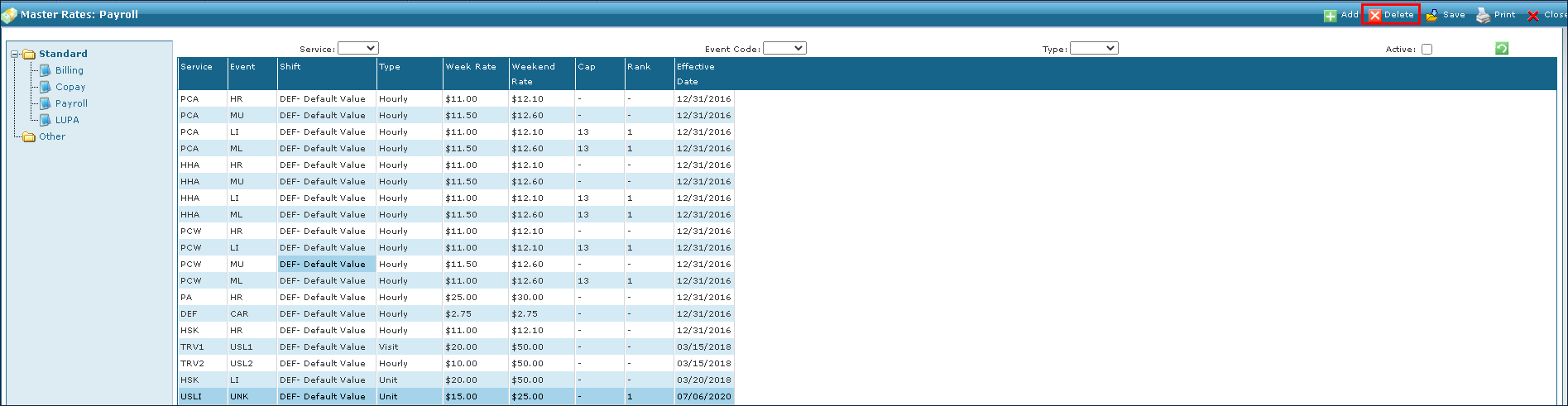
Click Delete.
-
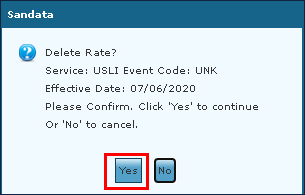
Click Yes.