Search for an Invoice
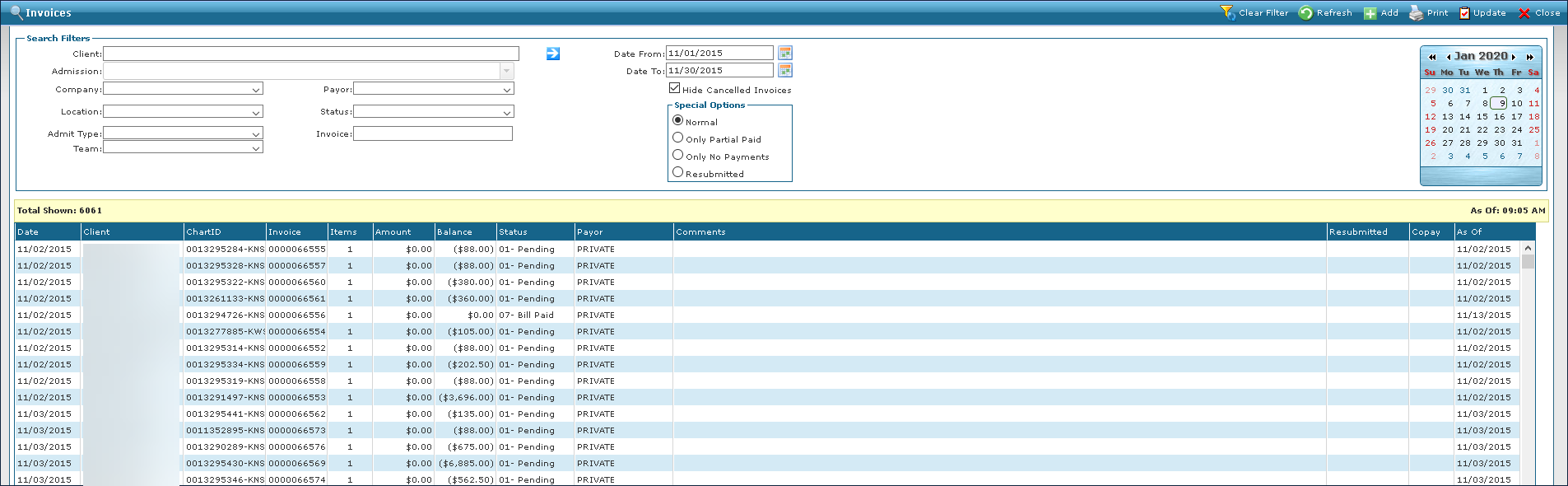
The Invoices Screen displays invoices that match the criteria selected. Users can confirm an invoice’s status or open it up to make further corrections or edits as needed.
-
Go to Main Menu > Billing > Invoices.
-
Select the appropriate search criteria.
-
Click Refresh.
-
Double click the invoice or right click and select Open.