Create an Invoice
To create an invoice:
-
Go to Main Menu > Billing.
-
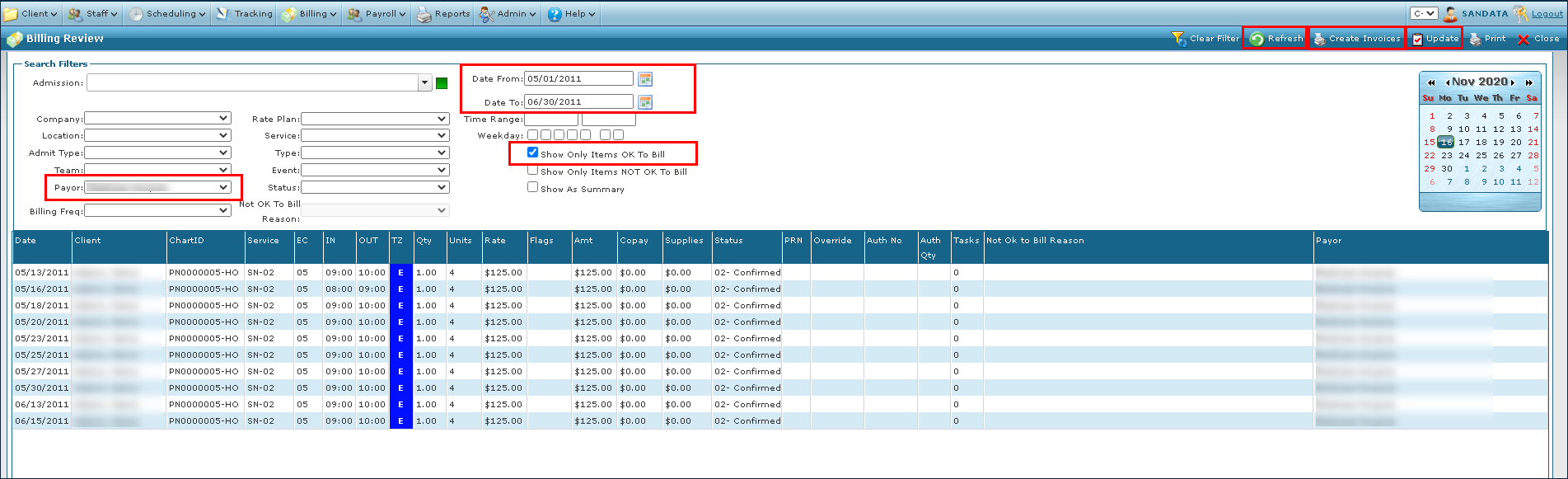
Select all applicable filters. Select the Show Only Items OK to Bill checkbox.
-
Click Refresh.
-
Click Update.
-
Click the Create Invoices button.
-
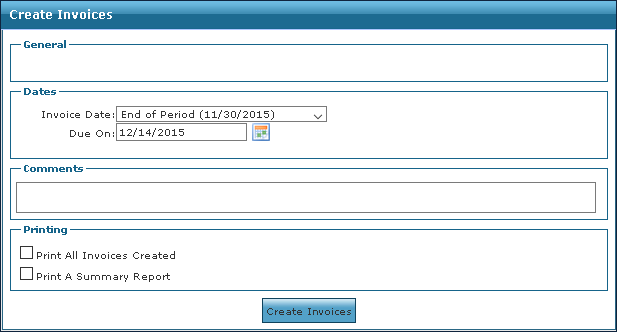
Edit the Create Invoices fields as needed.
-
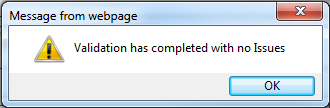
Click the Validate Transfers button when it displays to verify the correct service rates for the payer. If there are no issues, the following message displays.
-
Click the Create Invoices button.
-
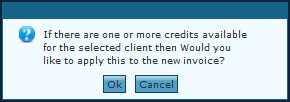
Click OK to apply any pre-payments, remaining balances, or existing credits. or click Cancel to begin creating the invoice.