View a Client's Profile
To view a Client’s Profile:
-
Go to Main Menu > Billing > Episode Tracker.
-
Use the filters to locate the episode.
-
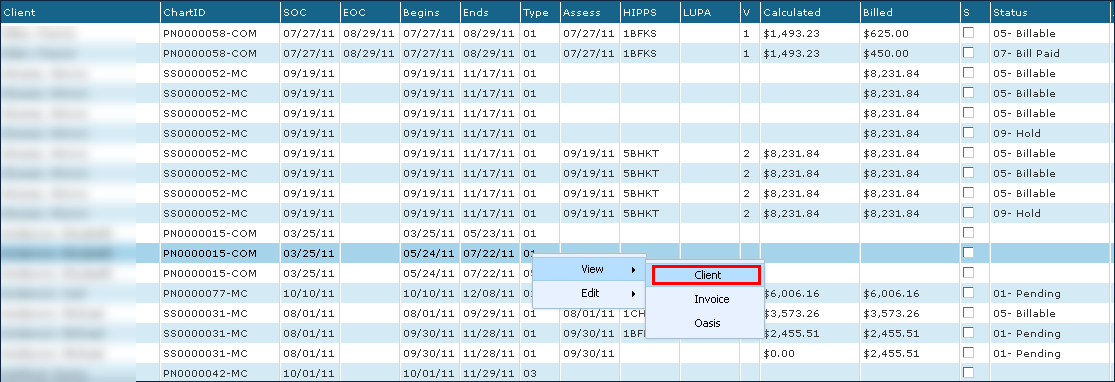
Right click on the episode.
-
Hover over View.
-
Click Client.