Set to 05 Billable Resubmission
The Set to 05-Billable Resubmission process is used when an entire claim has been denied.
-
Go to Billing > Invoices.
-
Use the search filters to locate the rejected invoice.
-
Double click on the invoice to open it.

-
Make any corrections to the invoice as needed.
-
Set the invoice status to 05-Billable.
-
Click Save.
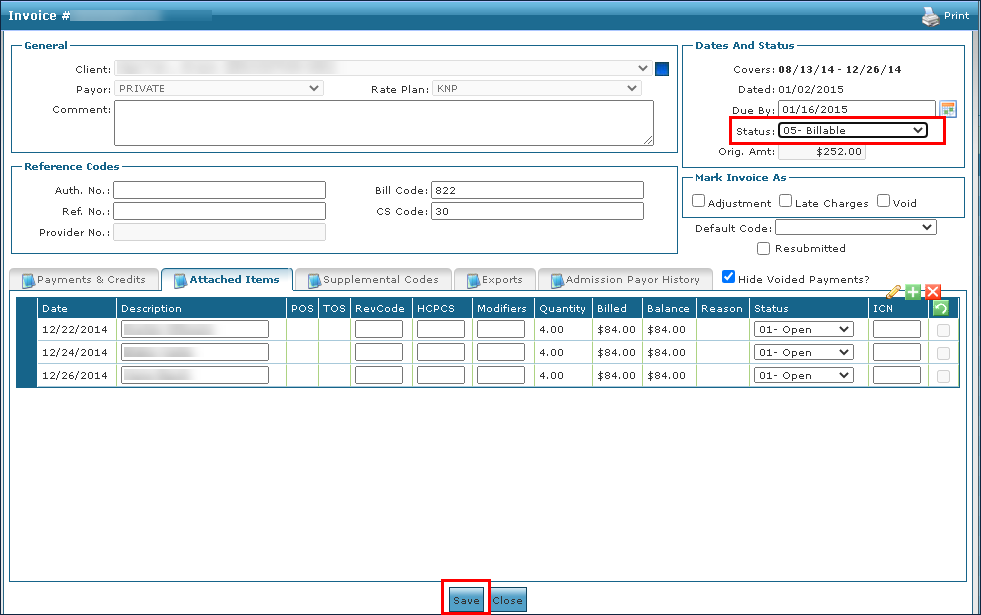
The invoice is now billable and ready to be included in the next export.
-
Repeat for any other invoices as needed.
-
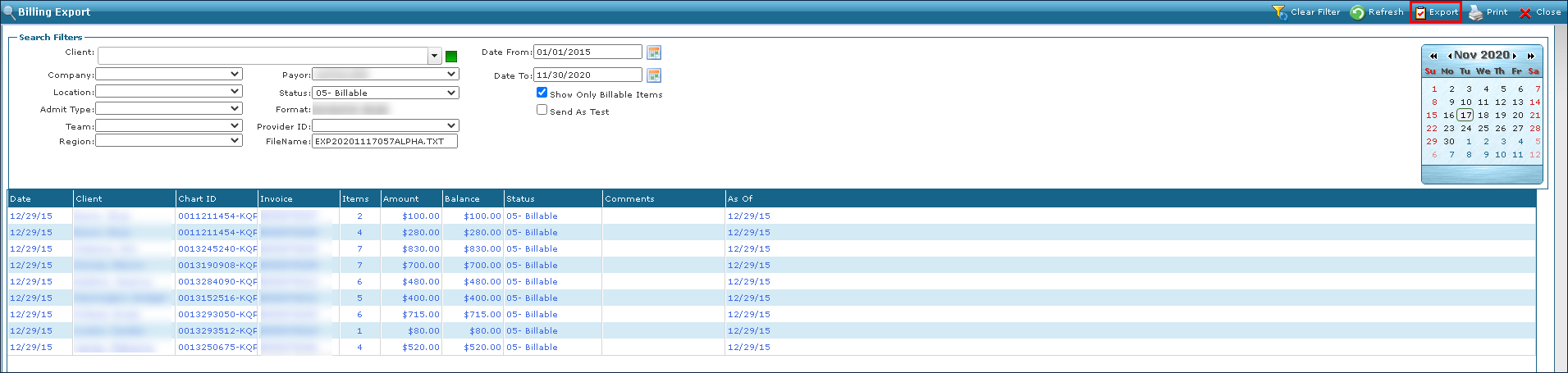
Go to Billing > Export.
-
Use the search filters to locate the invoices now set to 05-Billable.
-
Click Export.
-
Click OK.
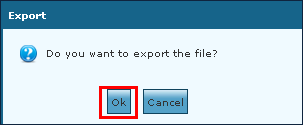
The exported file can be downloaded when ready.