Transfer a Balance
To Transfer an invoice balance from a Client's Traditional/Commercial payor to another Traditional/Commercial payer or to another Episodic payer, complete the following steps:
-
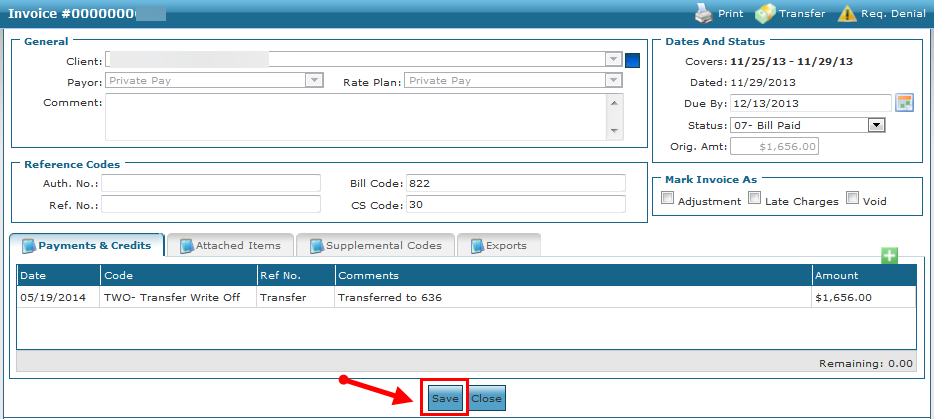
Locate and open the invoice with the balance to be transferred.
-
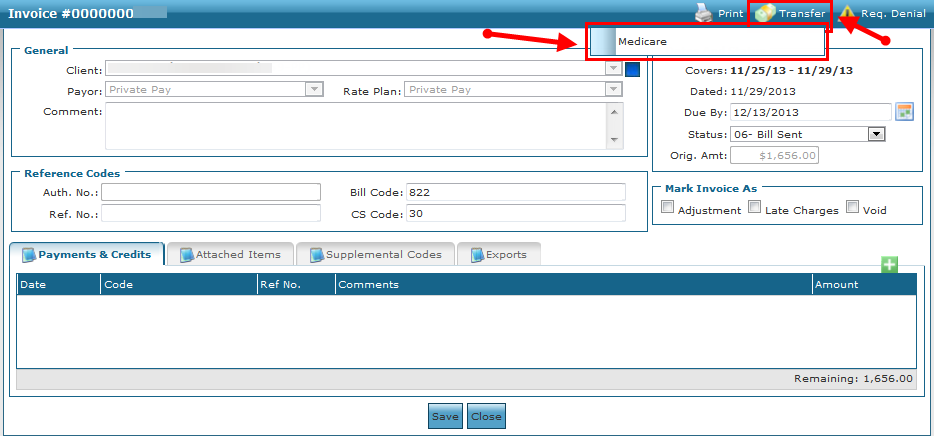
Click the Transfer button.
-
Click the payer to transfer the balance to.
-
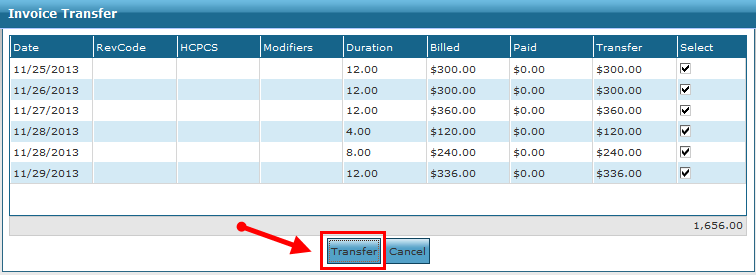
Select the invoice line items to be transferred. By default, all invoice line items are deselected.
-
Click Transfer.
-
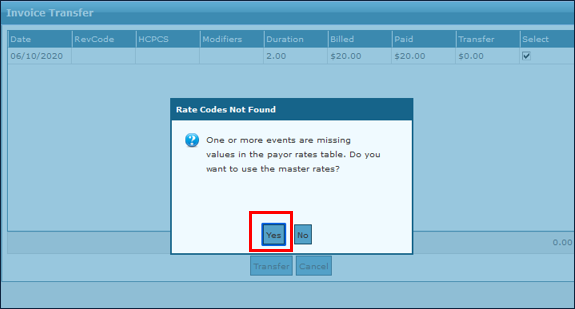
Click Yes.
-
Click Save.