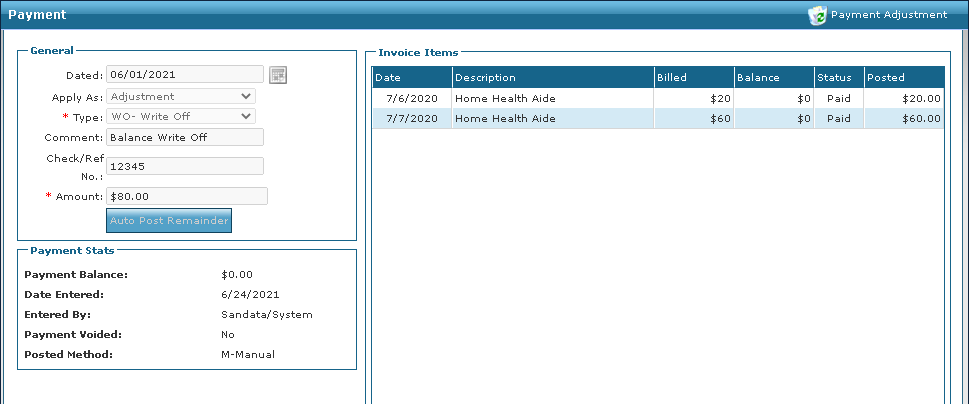
Review an Adjustment
To review an adjustment:
-
Go to Main Menu > Billing > Invoices.
-
Search for and open the Invoice.
-
Review the adjustment information.
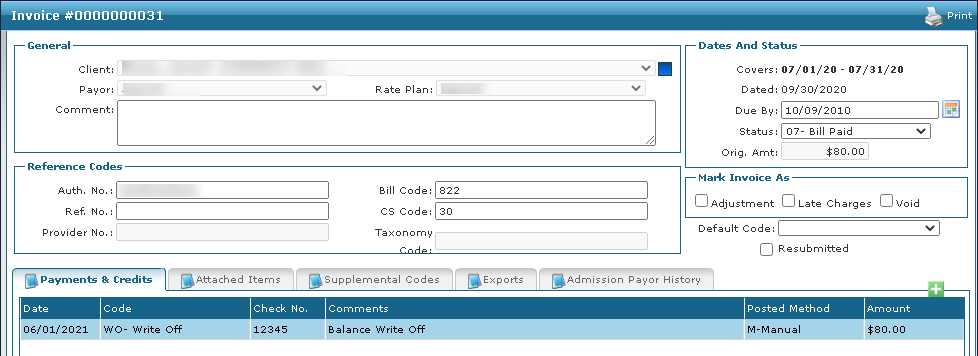
-
Double click the adjustment to review it in the Payment window.